34
User Manual WMF9000 F VB
Software | Care
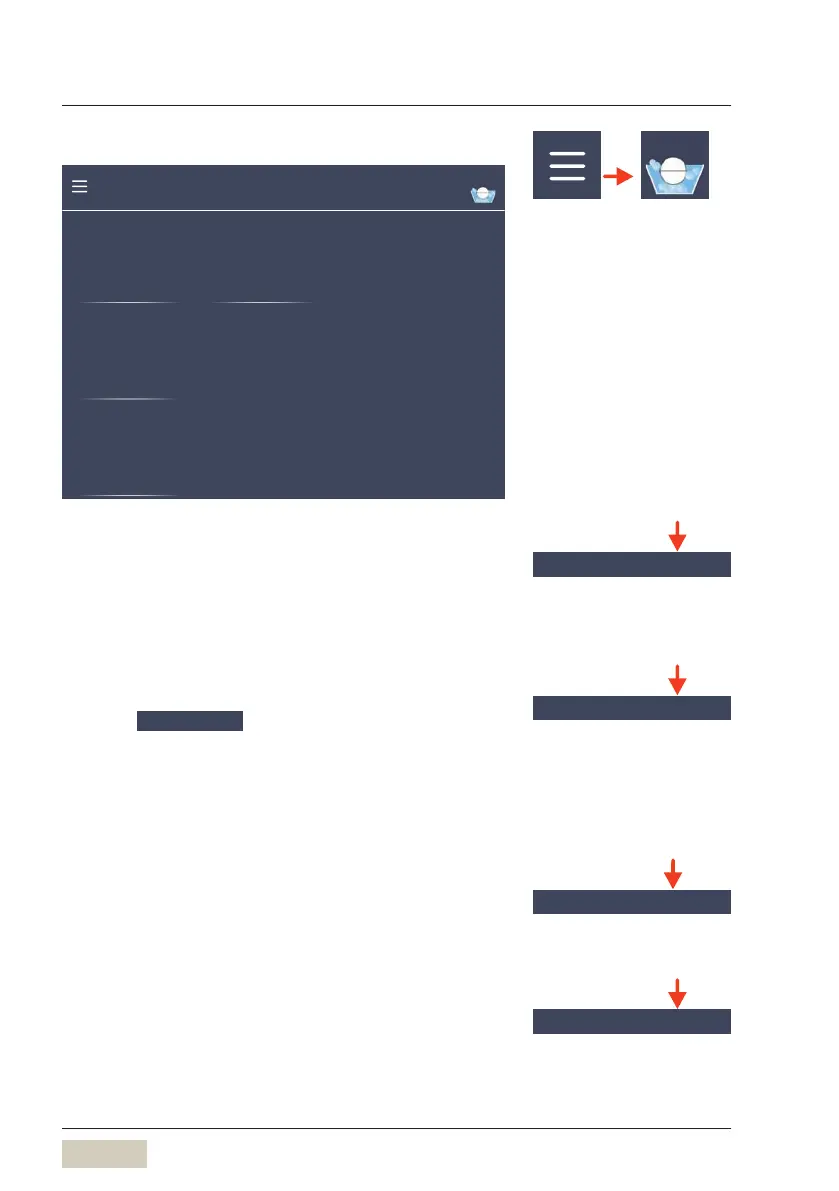
4.4 Care
carried out last:
-
Last cleaning
Friday, May 25, 2018
Cleaning interval 7 days
System cleaning Grounds separator
Touch display switch-o for
display cleaning
CleanLock
Cleaning animations
Instructions
Care
System cleaning
This selects whether the coffee machine will switch off
after asystem cleaning.
Options: “Switch off” “Not switch off”
CleanLock
Touch CleanLock
A 15-second countdown starts.
The touch display can now be cleaned.
The touch display is activated again 15seconds after
the last time it was touched.
Instructions
Animated instructions for the relevant cleaning of the
coffee machine and cleaning of the WMFpot.
Grounds separator
The grounds separator must be cleaned weekly.
Menu control pads
w Overview
page 31
Care
w starting on page 60
HACCP cleaning schedule
w starting on page 68
System cleaning
DS_04_04_01
System cleaning
w Care
starting on page 63
Clean the operating panel
w Care
starting on page 66
Grounds separator
DS_04_04_04
Clean the grounds separator
w Care
starting on page 67



 To Next Page