47
User Manual WMF950S
Software | System
5.5 System
Constant water connection
Options: • active
• inactive
Default value:
inactive
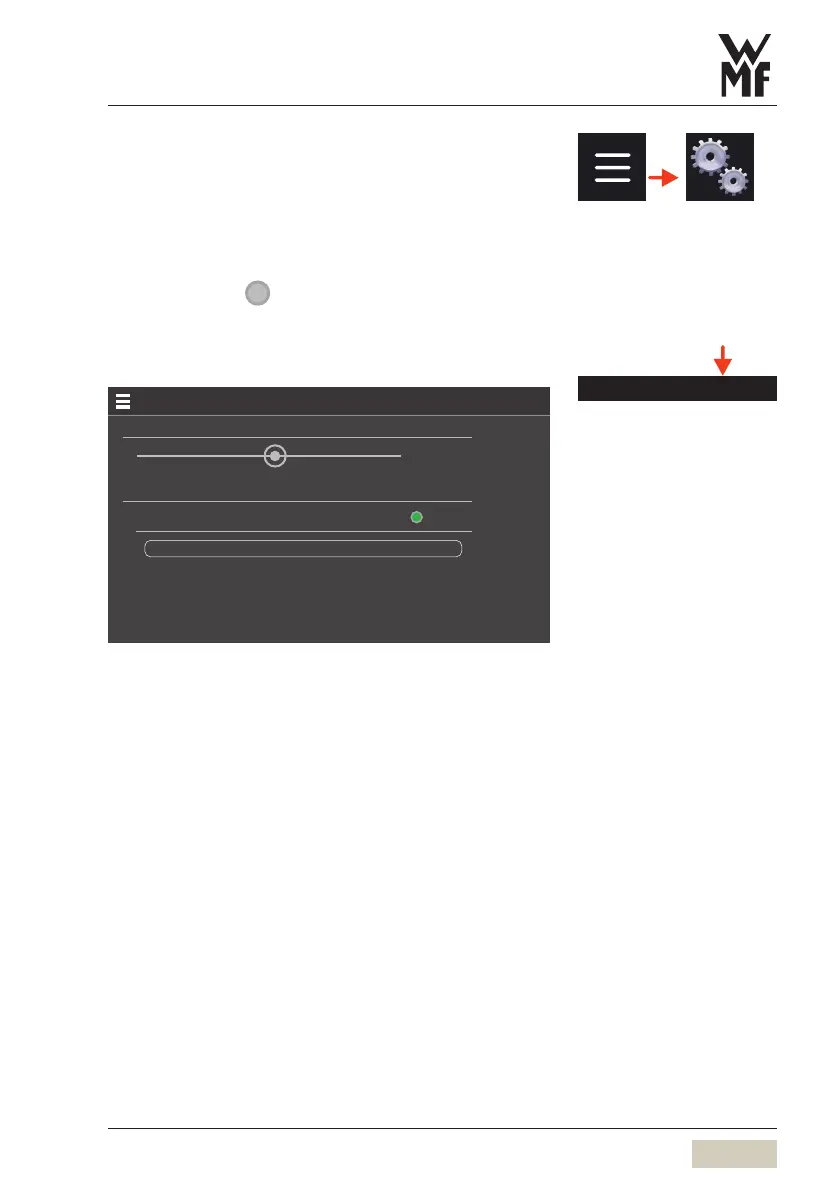
Water filter settings
Water lter settings
25.08.21
Water hardness-setting
Water lter settings
Water lter inserted
13 °dKH
50 litres
Sliding the “Water hardness setting” controller to the
right increases the water hardness setting, and sliding
left reduces it.
Select “Water filter inserted”, to activate the water
filter and set the capacity.
Water lter settings



 To Next Page