48
User Manual WMF950S
Software | System
Advertising setting
Standby advertising display
Display advertisement when the coffee machine enters
standby mode.
Select “Load factory data” to reset coffee machine to
factory settings.
✻ Touch “Load from USB stick”
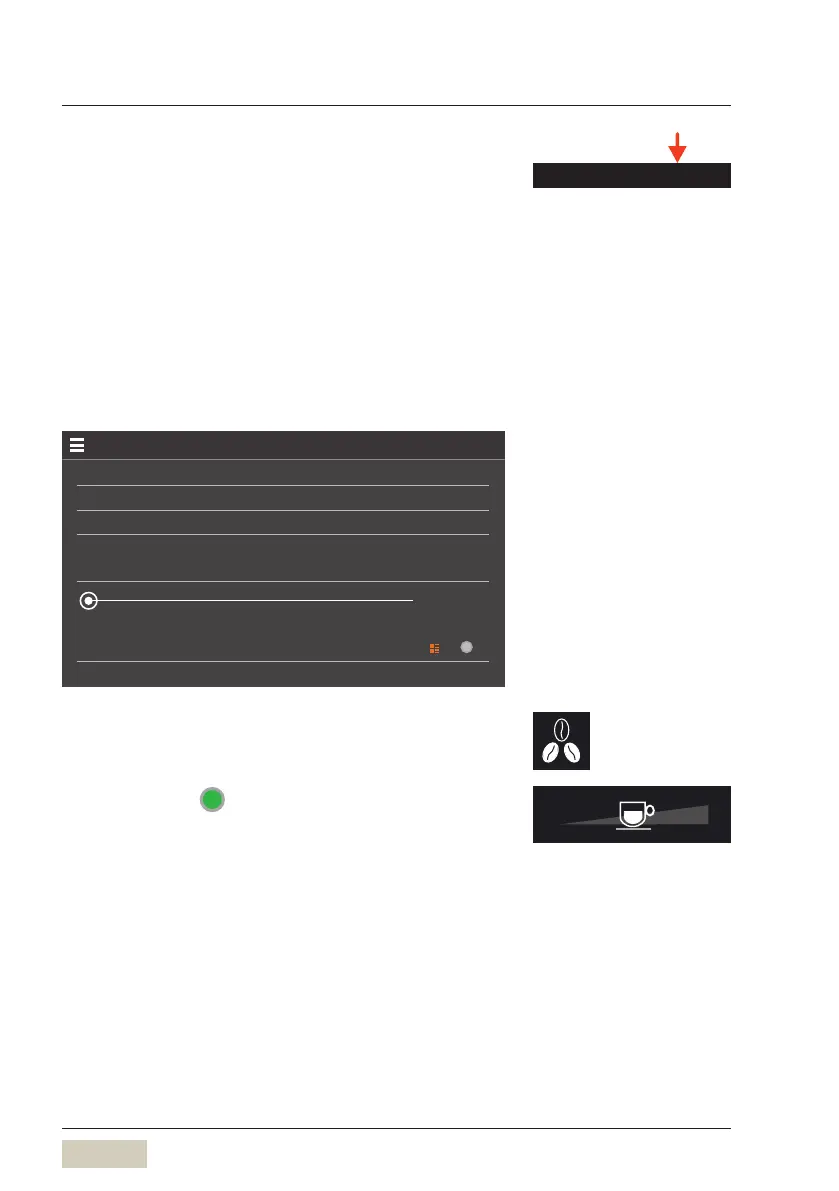
A video can be loaded from the USB stick to the coffee
machine. Sliding the “Volume” controller to the right
increases the volume, and sliding left reduces it.
Standby display
25.08.21 08:54
Current storage location
Storage location
Default
0
Load factory data
Load from USB stick.
Volume
Local video AD
Set barista button/Set fill level
Options: • active
• inactive
Default value:
active
active The pads are displayed when “Ready to operate”.
Advertising setting
DS_05_05_02



 To Next Page