HANGZHOU WORLDE DIGITAL PIANO CO.,LTD HANGZHOU WORLDE MUSIC ELECTRONIC CO., LTD
WEBSITE: WWW.WORLDE.COM.CN EMAIL:SALES@WORLDE.COM.CN TEL:86 571 88730848
- 10 -
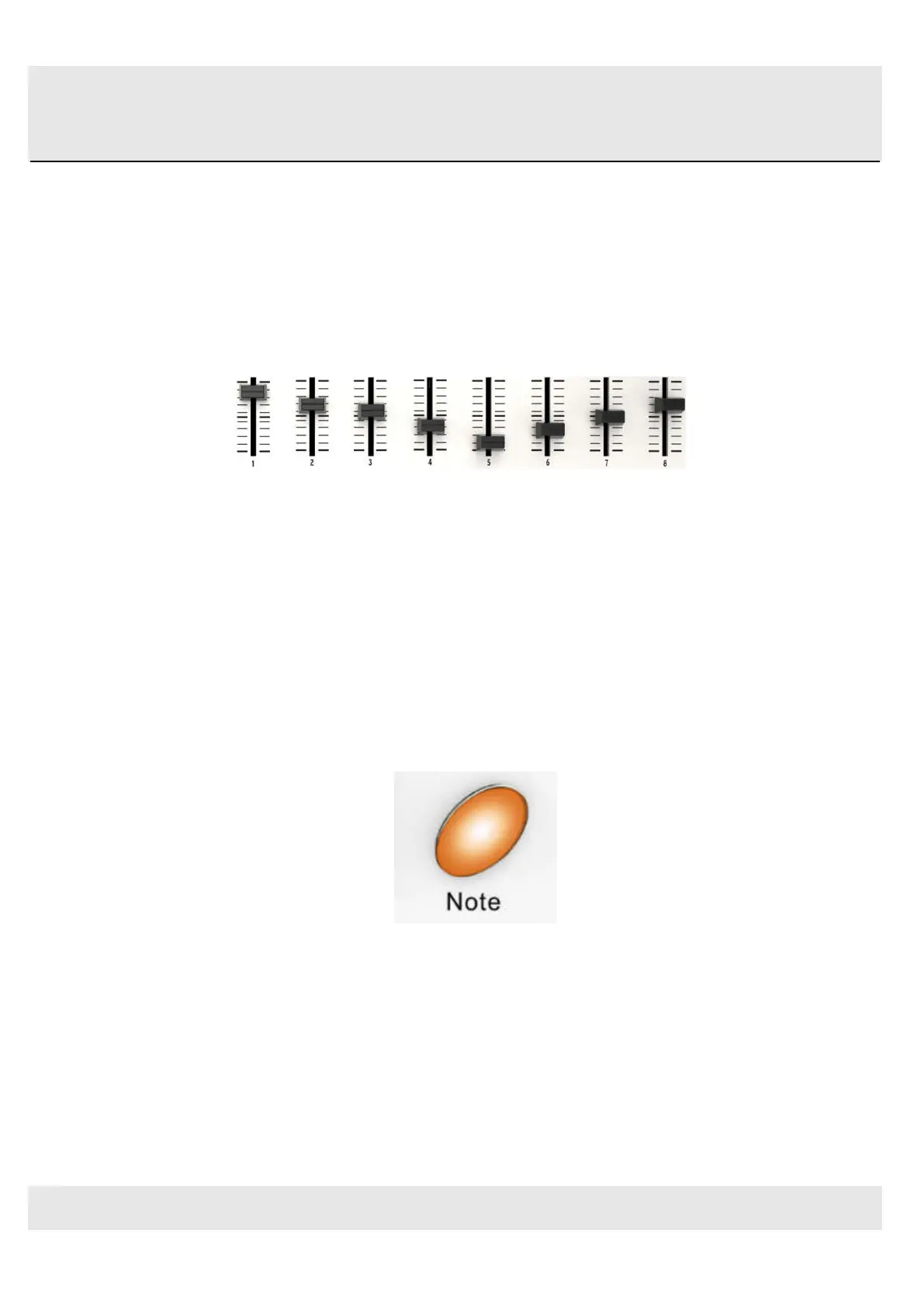
3.1.4 Parameter control sliders
The 8 sliders can be assigned to control any editable parameter on the selected device. These sliders transmit control
change messages.
Each slider can be used to send continuous control data to a desktop audio workstation or
external MIDI device.
The Parameter control sliders
3.1.5 Note button
The 48 pads have dual modes: trigger pads mode and key note mode. Click the note button to start the note mode of
the 48 pads, press +/-button to increase or decrease the current note by semitone.
Note button
3.1.6 Octave button
Pushing the Octave buttons will transpose the keyboard by as much as four octaves up or down. The farther from
center the keyboard has been transposed, the faster the buttons will flash.
Click the Octave button to start the Octave function, use+/-button to adjust Octave. Adjustment range is from 0 to 4.
Press DATA +/- buttons at the same time to set octave to initial 0.



 To Next Page