HANGZHOU WORLDE DIGITAL PIANO CO.,LTD HANGZHOU WORLDE MUSIC ELECTRONIC CO., LTD
WEBSITE: WWW.WORLDE.COM.CN EMAIL:SALES@WORLDE.COM.CN TEL:86 571 88730848
- 21 -
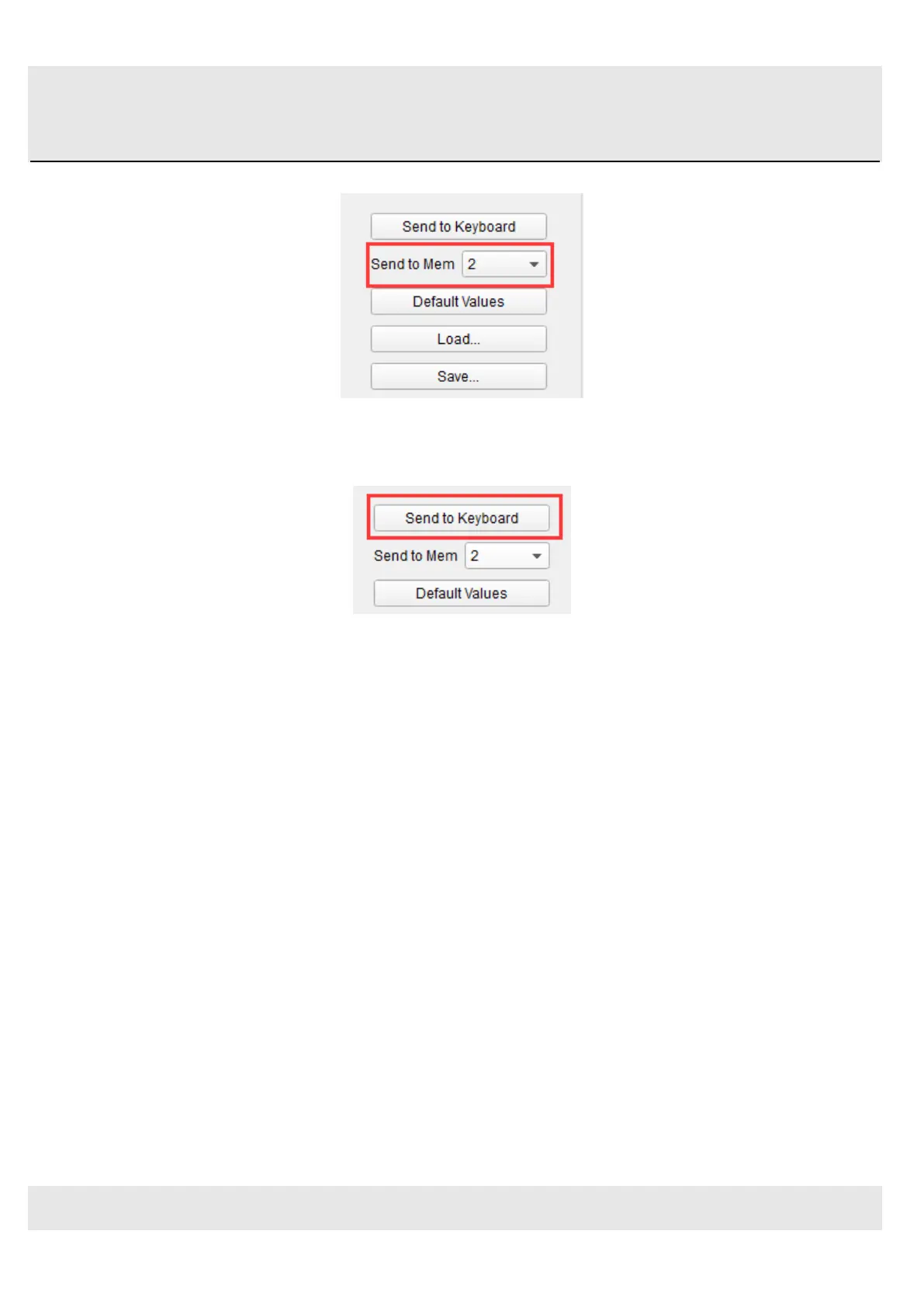
Before clicking the top button, select a location you know is available. We’ll use memory location #2 for this example:
Select #2 in the drop-down list as pictured above.
Once you’re sure where the preset will be stored, click the “Send to Keyboard” button:
5.1.7 Recalling a Preset / Switching between Presets
Once you’ve created a couple of presets you can switch between your personalized configurations very quickly. This is as
simple as it can be: simply hold the Memory button and press one of the 4 pads as shown in picture below.



 To Next Page