HANGZHOU WORLDE DIGITAL PIANO CO.,LTD HANGZHOU WORLDE MUSIC ELECTRONIC CO., LTD
WEBSITE: WWW.WORLDE.COM.CN EMAIL:SALES@WORLDE.COM.CN TEL:86 571 88730848
- 22 -
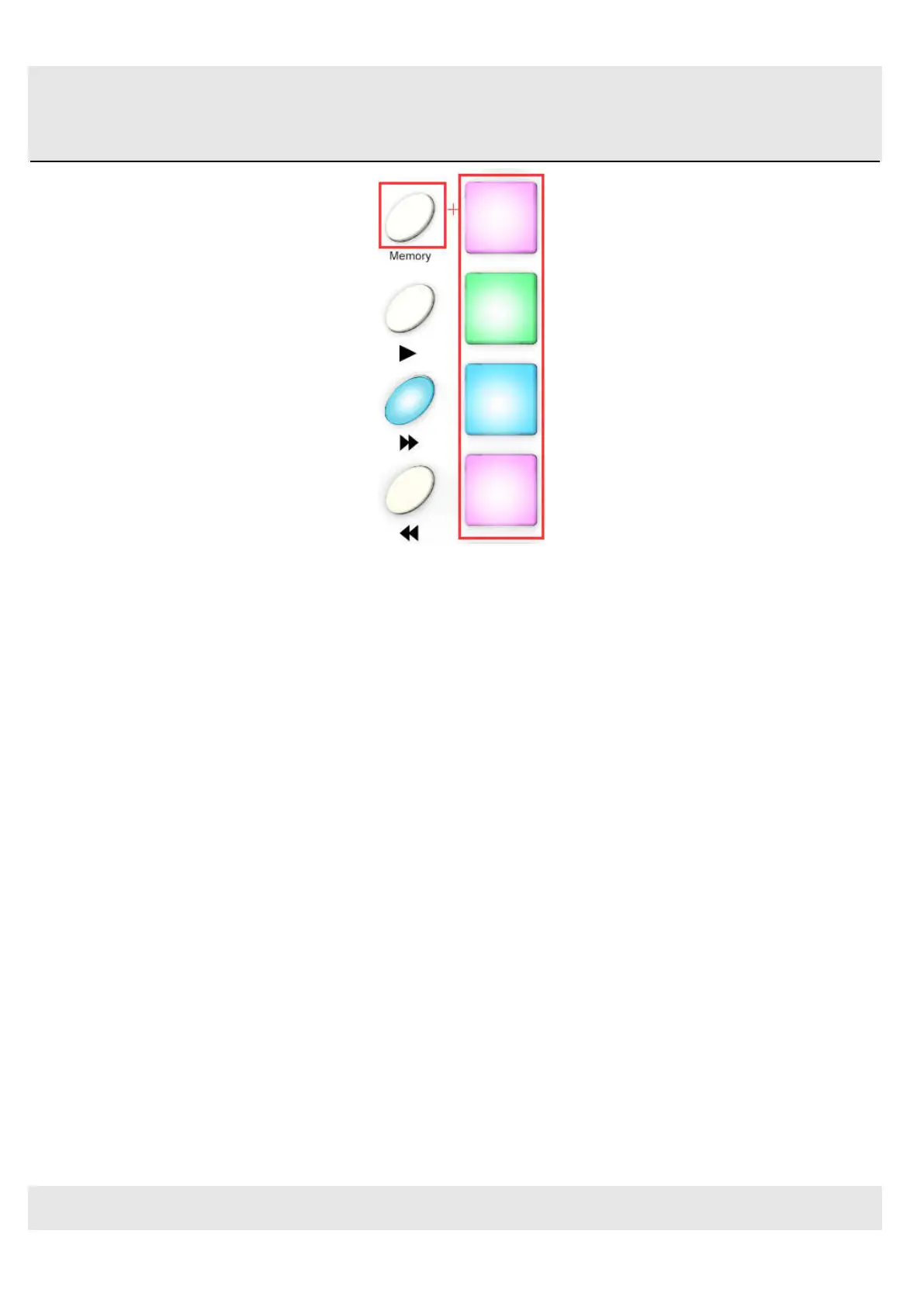
In the picture above the combination of the Memory button and Pad 2 will select Preset #2 from the Orca PAD48 preset
memory locations.
To switch from Preset #2 to Preset #1, hold Memory again and press Pad 1 instead.
5.2 Select the Backlit RGB Color of 48 Pads
Use the Orca PAD48 Software Editor to select the backlit RGB color of 48 pads. You can download the Orca PAD48
Software Editor from Worlde website www.worlde.com.cn.
Press the pad and the red circle button
○
√ will appear on that, then select the color range No. for CR,CG and CB. Press
the “Send to Keyboard” to send the parameters to the Orca PAD48 and then press the OK button to confirm. The color
range is from 0 to 127 for each one.
Reference RGB No. for some colors:



 To Next Page