HANGZHOU WORLDE DIGITAL PIANO CO.,LTD HANGZHOU WORLDE MUSIC ELECTRONIC CO., LTD
WEBSITE: WWW.WORLDE.COM.CN EMAIL:SALES@WORLDE.COM.CN TEL:86 571 88730848
- 11 -
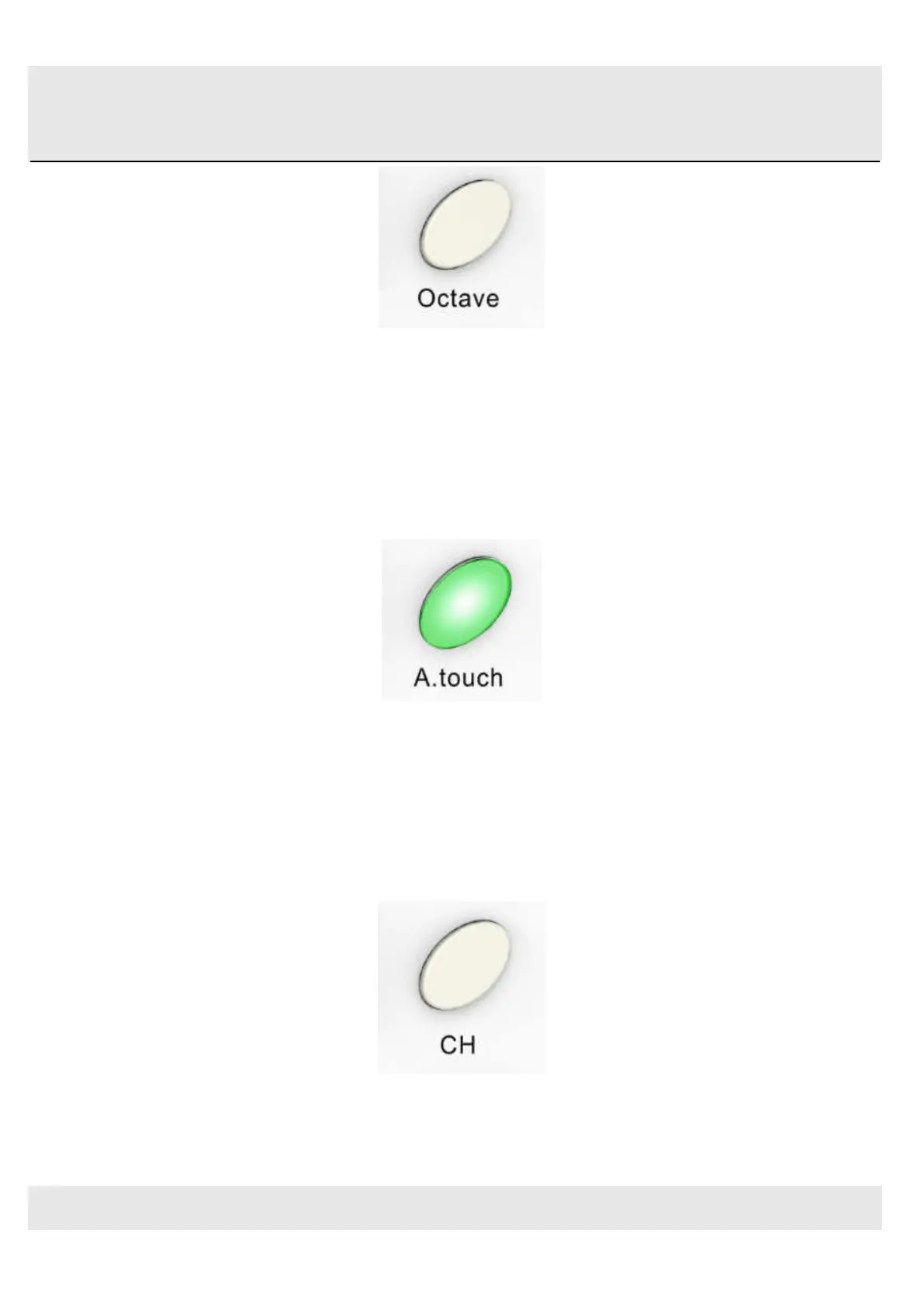
Octave button
3.1.7 A. TOUCH button
Click the A.touch button to start the function of channel After touch and keyboard after touch. Channel After touch is on
when the LED color is red for the A.touch button. Keyboard After touch is on when it’s blue for the A.touch button.
When Channel After touch in on, the system sends Channel After touch info when pressing the pads. When Keyboard
After touch in on, the system sends Keyboard After touch info when pressing the pads.
After touch button
3.1.8 Channel button
Channel selection function button, selecting current MIDI channel. Click the channel button to start the channel
function, use+/-button to select the channel. The initial setting is 1, adjusting scale is 1~16.
Channel button



 To Next Page