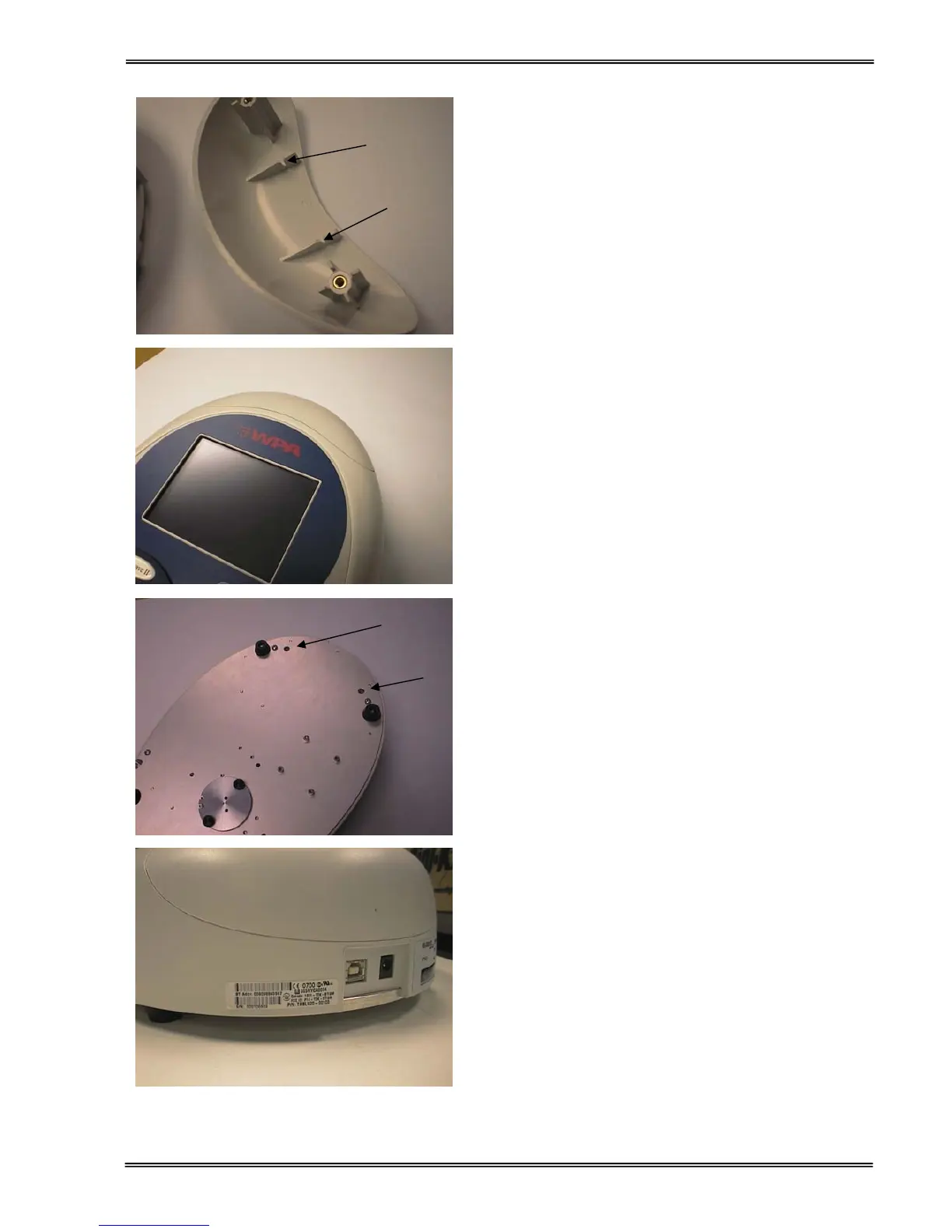
5. Note the slots in the accessory cover,
designed to engage with the Bluetooth
accessory PCB
6. Lower the accessory cover vertically
downwards onto the instrument, engaging the
PCB in the slots.
7. Invert the instrument and replace the cap head
screws at A and B.
8. Attach the license label as shown.
A


 To Next Page
 Loading...