Version 2.3 Page 37 Accessories and Maintenance
PRINT VIA COMPUTER
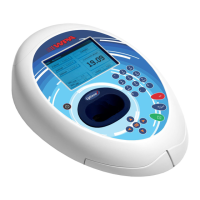
• PVC (Print Via Computer) is a small application running under Windows 2000™ or Windows XP™ to
enable a Biowave II or Lightwave II to transfer data into a PC environment. From there the user has a
selection of choices, the data can be both printed or saved (in a variety of formats). PVC is capable of
supporting several instruments simultaneously, limited only by hardware and the speed of the host system.
• PVC can operate via USB and Bluetooth simultaneously
• PVC can store data either to a common directory or be configured to save to independent directories by
both file format and connection.
• PVC can save data in graphics format, text format or as an Excel™ file
Installation
See the manual included on the PVC CDROM for installation and operating instructions.
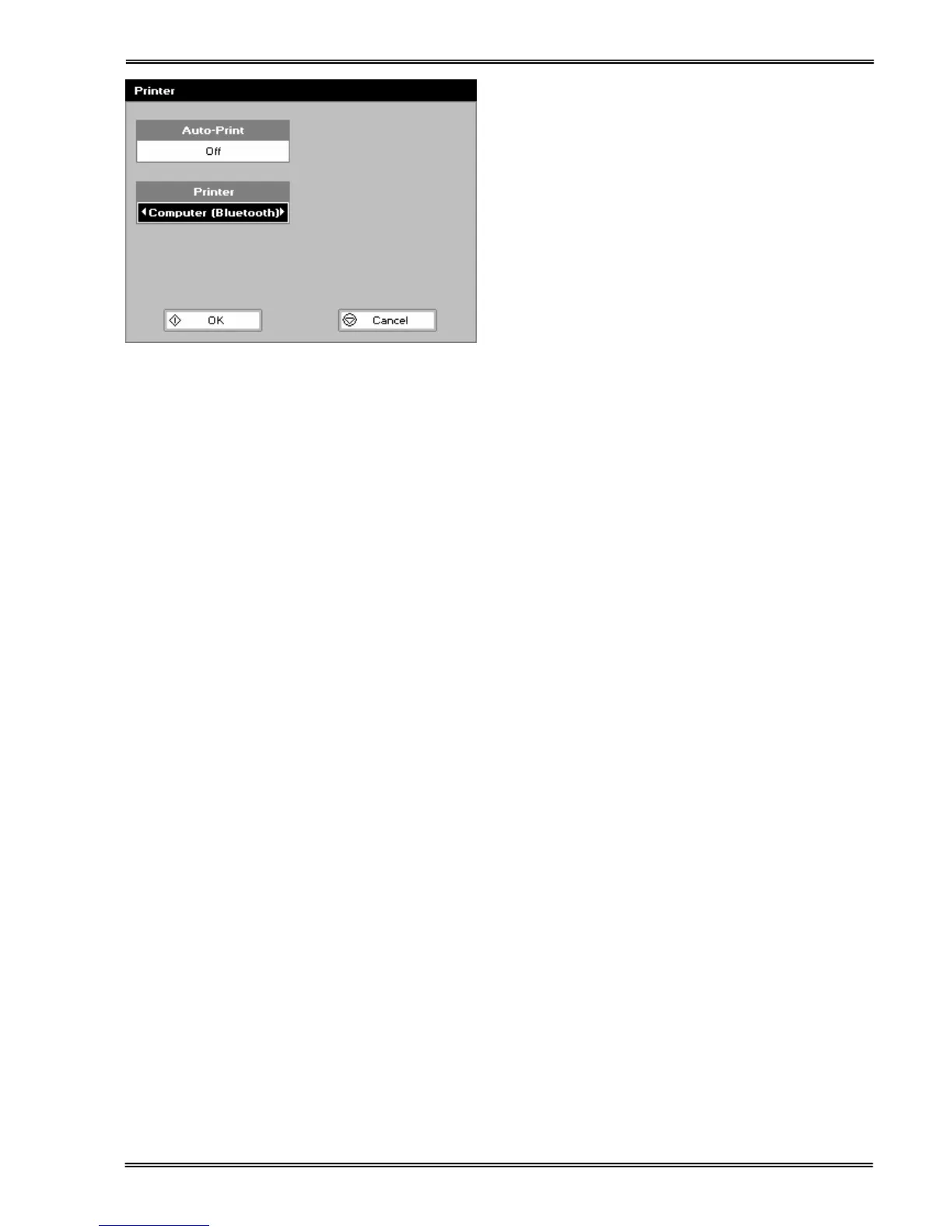
9. Switch the instrument on and go to the
preferences page under
utilities/instrument, and select the
Bluetooth option.


 To Next Page
 Loading...