Version 2.3 Page 6
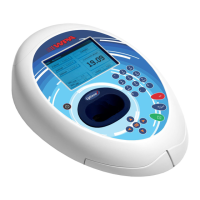
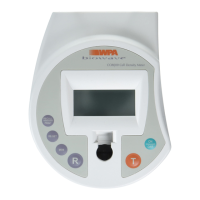
Keypad and display
The back-lit liquid crystal display is very easy to navigate around using the alphanumeric entry and navigation
arrow keys on the hard wearing, spill proof membrane keypad.
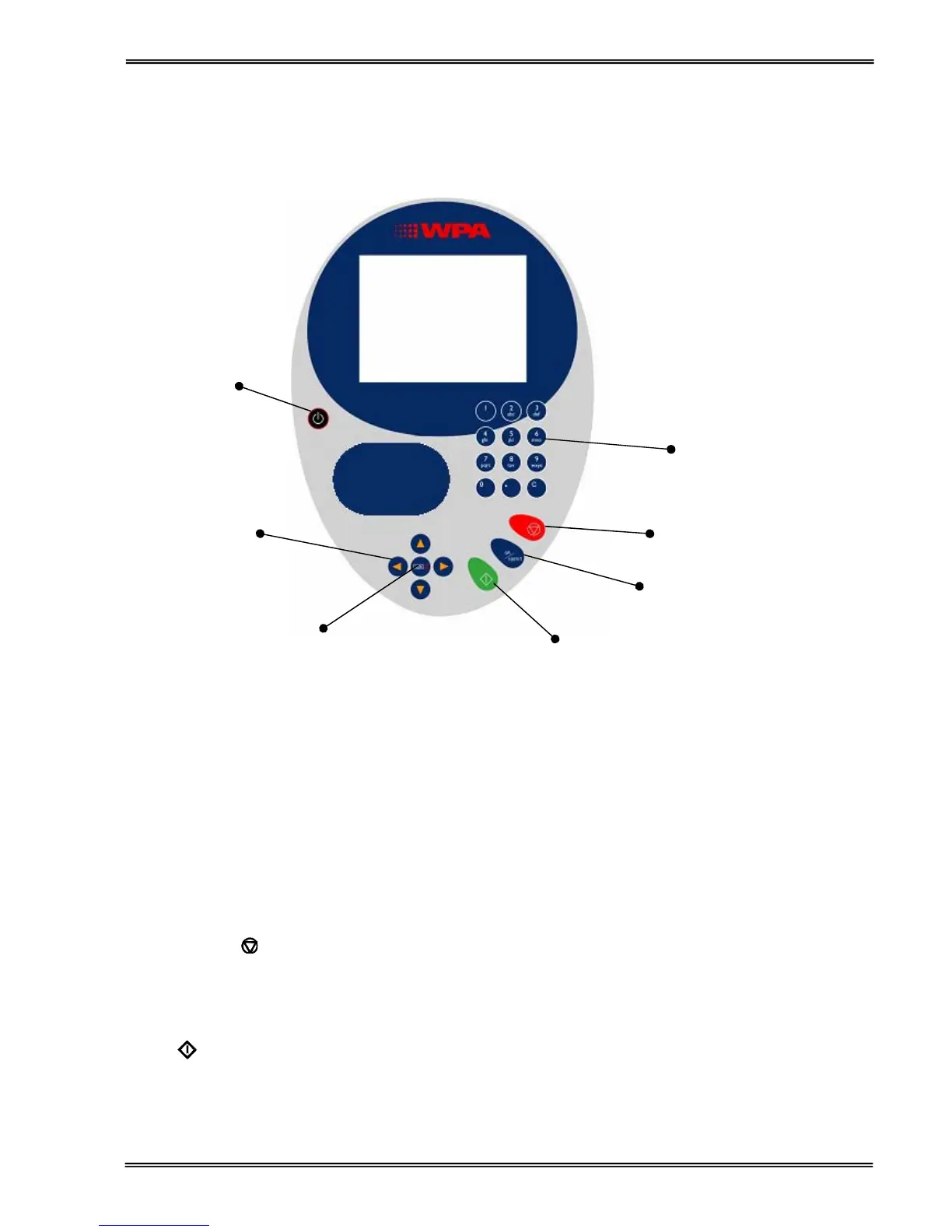
On/off key
On/off key Turns the instrument on/off
Arrow keys Use the four arrow keys to navigate around the display and select the required
setting from the active (highlighted) option.
View Options: ::; View options for that application mode. Some of these are common to all
applications and described below. Options unique to an application are
described in the relevant section.
Alphanumeric keys Use these to enter parameters and to write text descriptions where
appropriate, or required. Use repeated key presses to cycle through lower
case, number and upper case. Leave for 1 second before entering next
character. Use C button to backspace and 1 to enter a space.
Escape/Cancel:
Escape from a selection and return to the previous folder. Stop making
measurements.
Set Reference: 0A/100%T Set reference to 0.000 A or 100%T on a reference solution at the current
wavelength in the mode selected. When in scan mode, do a reference scan.
Enter:
Enter, or confirm, a selection. Take a measurement.


 To Next Page
 Loading...