Operation pH 330i/340i
20
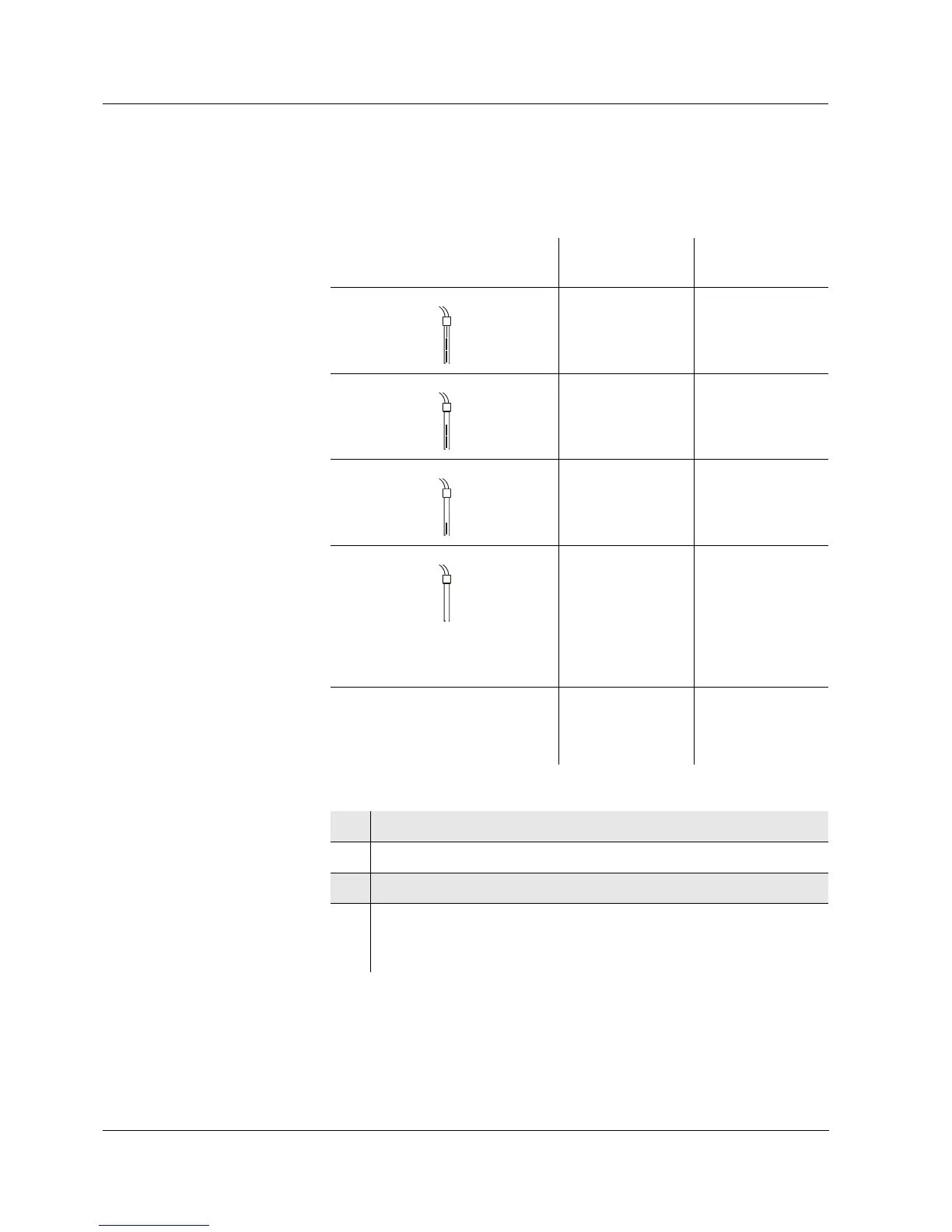
Calibration evaluation After the calibration, the measuring instrument automatically evaluates
the current status of the electrode. The asymmetry and slope are eval-
uated separately. The worst evaluation appears on the display.
Preparatory activities
Display Asymmetry
[mV]
Slope
[mV/pH]
-15 ... +15 -60.5 ... -58
-20 ... +20 -58 ... -57
-25 ... +25 -61 ... -60.5
or
-57 ... -56
Clean the electrode according
to the electrode operating
manual
-30 ... +30 -62 ... -61
or
-56 ... -50
E3
Eliminate the error according to
chapter 6 W
HAT TO DO IF...
< -30 or
> 30
... -62 or
... -50
1 Switch on the measuring instrument with <ON/OFF>.
2 Connect the pH electrode to the measuring instrument.
3 Keep the buffer solutions ready.
4 Adjust the temperature of the solutions and measure the cur-
rent temperature if the measurement is made without temper-
ature sensor.



 To Next Page