pH 330i/340i Operation
41
4.4.4 Clearing the memory
With this function, you can delete stored data records. 800 storage lo-
cations will then be available again.
Note
The Clear memory function only appears when there are data records
stored in the memory. Otherwise, the measuring instrument automati-
cally switches to the measuring mode.
Proceed as follows to clear all data records:
Note
The calibration data remain stored and can be called up.
1 Switch off the measuring instrument.
2 Press the <STO> key and hold it down.
3 Press the <ON/OFF> key.
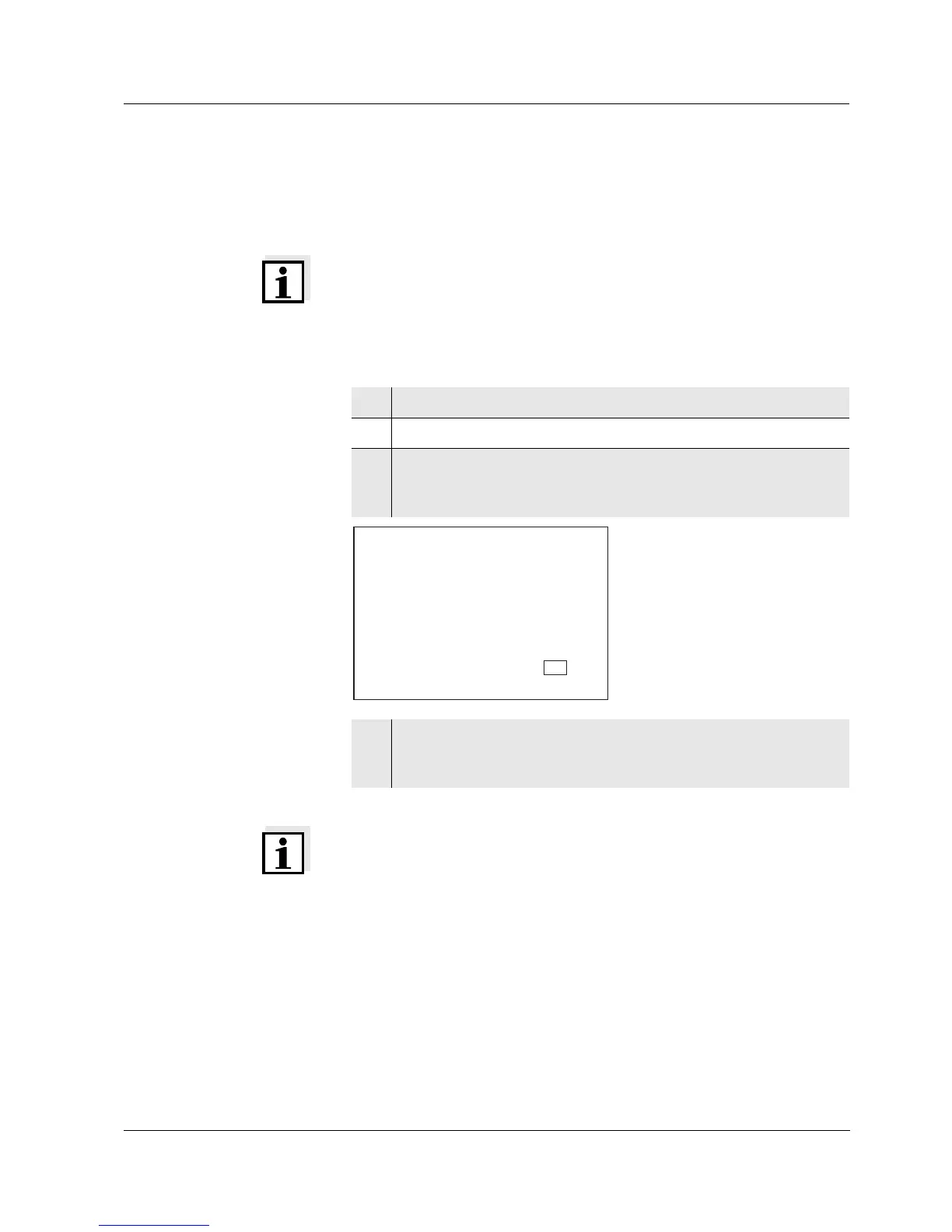
The display test appears briefly on the display.
Subsequently, Sto clr appears.
4 Confirm the clearing process with <RUN/ENTER>.
Pressing any other key prevents the clearing, the data records
will remain stored.
RCL
d
Auto
Ident
S
1
LoBat
Tref25
nLF
/
K
%
Sal
°
AR
TP
C
M
m
%
mg/l
cm
S/
cm
cm
1/
°
F
ARng
Cal
Lin
Tref20
Sal
TDS
mbar
OUpH
mV/pH
AutoCal DIN
AutoCalTEC
Time
Baud
Day.Month No.
Year
r
S
t
o
c
l
Store



 To Next Page