Operation pH 330i/340i
36
4.4.3 Outputting the data storage
You can output the contents of the data storage:
l Stored data on the display
l Calibration data on the display
l Stored data on the serial interface (only pH 340i)
l Calibration protocol to the interface (only pH 340i)
Outputting stored data
on the display
You can perform the following activities:
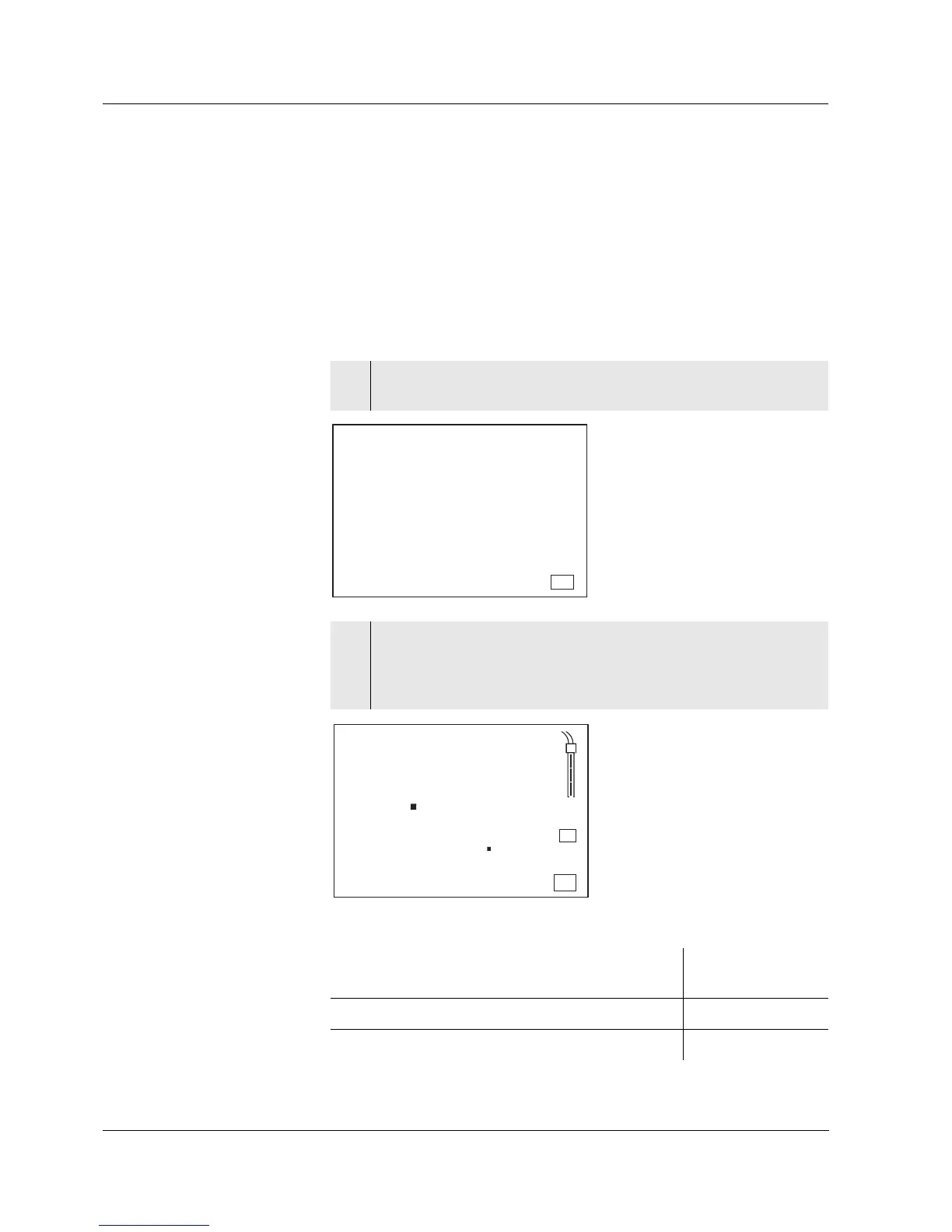
1 Press the <RCL> key repeatedly until StO dISP appears on the
display.
2 Press the <RUN/ENTER> key.
A measured value appears on the display.
The storage location of the data record is displayed for approx.
2 s, then the respective temperature appears.
Display further elements of the data record
(ID number, date, time, storage location)
Press
<RUN/ENTER>
Advance one data record (storage location) Press <▲>
Go back one data record (storage location) Press <▼>
Store
Auto
Ident
S
1
LoBat
Tref25
nLF
/
K
%
Sal
°
AR
TP
C
M
m
%
mg/l
cm
S/
cm
cm
1/
°
F
ARng
Cal
Lin
Tref20
Sal
TDS
mbar
OUpH
mV/pH
AutoCal DIN
AutoCalTEC
Time
Baud
Day.Month No.
Year
p
S
T
O
d
I
s
RCL
mV/pH
mol/L
8
Auto
Store
TempError
LoBat
AutoCal DIN
CalError
ARng
AR
AutoCal TEC
ConCal
Time
Baud
Day.Month No.
Ident
Year
1
U
%
°F
S
mg/L
% ppm
ISE
8
4
2
68
6
6
°C
TP
pH
RCL



 To Next Page