Operation pH 330i/340i
34
4.4.2 Saving automatically
The save interval (Int 1) determines the chronological interval between
automatic save processes.
After the fixed interval has expired, the current data record is transmit-
ted to the storage and to the interface.
Setting the save
interval
The default setting for the save interval (Int 1) is OFF.
By this, the AutoStore function is switched off.
To switch the function on, set an interval (5 s, 10 s, 30 s, 1 min, 5 min,
10 min, 15 min, 30 min, 60 min):
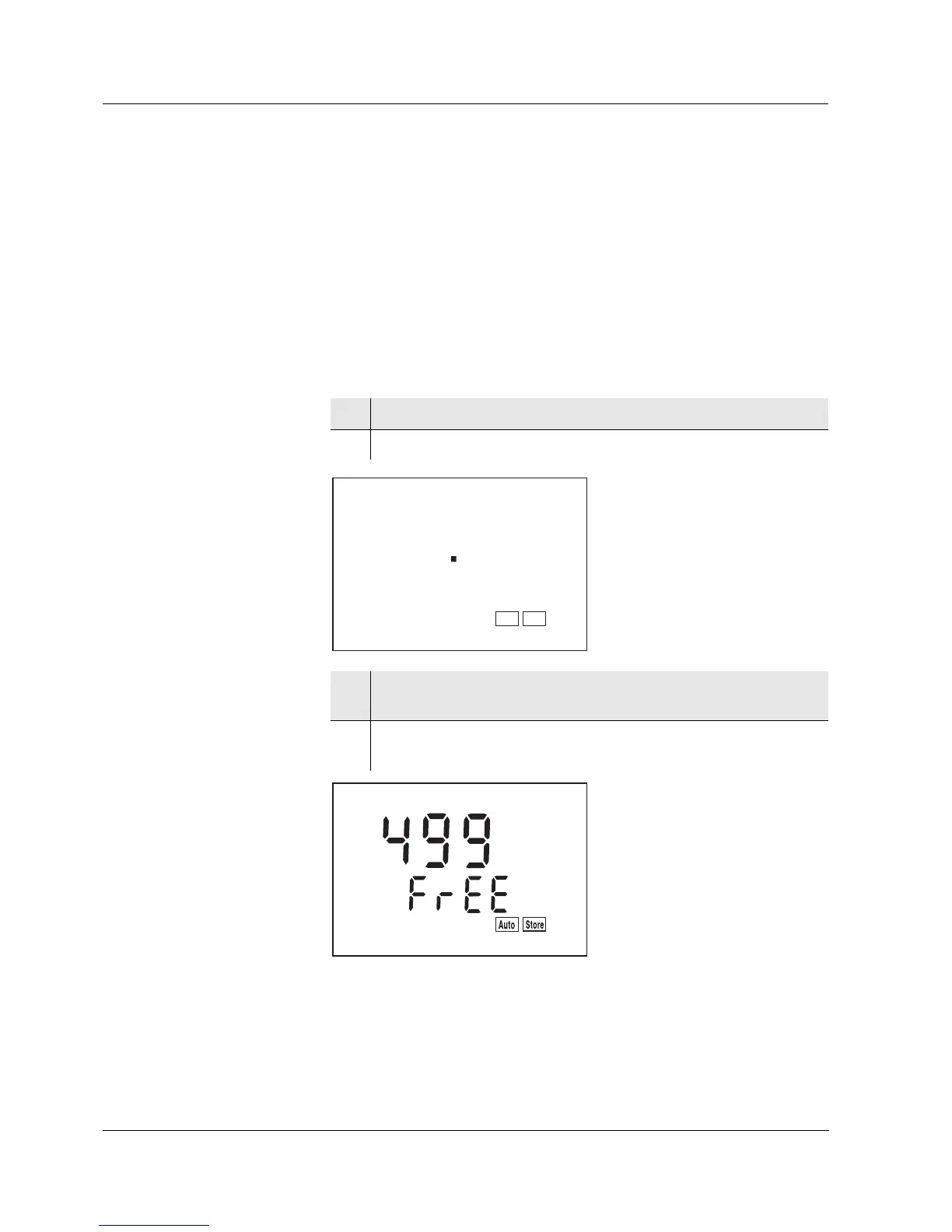
1 Press the <RUN/ENTER> key and hold it down.
2 Press the <STO> key. Int 1 appears on the display.
3 Set the required interval between the saving procedures with
<▲> <▼>.
4 Confirm with <RUN/ENTER>.
The number of free memory locations appears on the display.
LoBat
Tref25
nLF
/
K
%
RCL
Sal
°
AR
TP
C
M
m
%
mg/l
cm
S/
cm
S
8
cm
1/
°
F
ARng
Cal
Lin
Tref20
Sal
TDS
mbar
OUpH
mV/pH
AutoCal DIN
AutoCalTEC
Time
Baud
Day.Month No.
Ident
Year
F
F
O
t
1
n
1
Store
Auto



 To Next Page