pH 330i/340i Operation
35
Note
The AutoStore function is interrupted if you start other functions, e.g.
output the data storage.
After the function is finished, the AutoStore function is continued. By
this, however, temporal gaps in the recording of the measured values
will occur.
Switching off AutoStore Switch AutoStore off by:
l setting the save interval (Int 1) to OFF, or
l switching the measuring instrument off and then on again.
5 As soon as all of the 800 storage locations are occupied,
AutoStore is terminated (Int 1 = OFF).
If there are not enough storage locations available for your
measurements:
– Output and backup the data storage (see page 36) and
– clear the memory (see page 41).
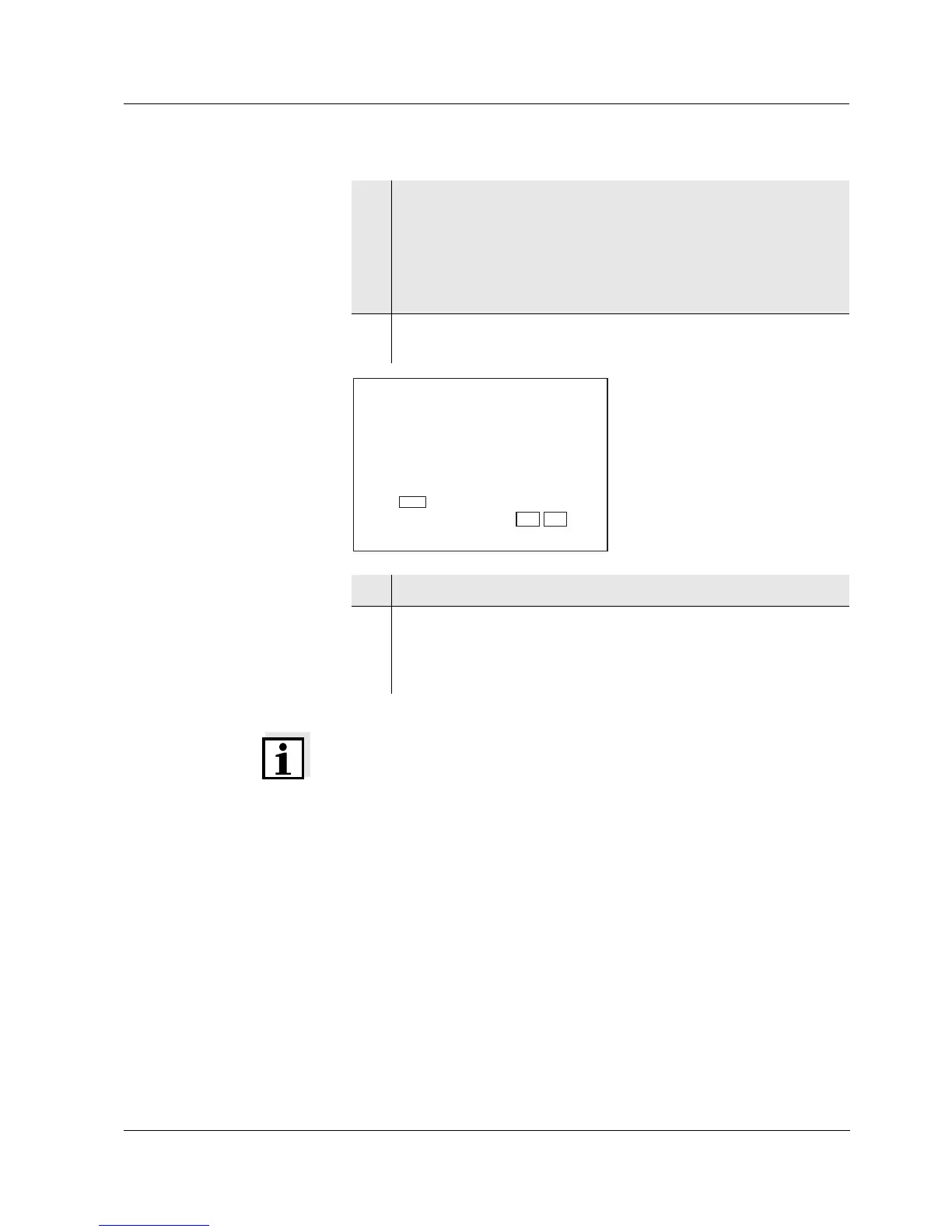
6 Confirm with <RUN/ENTER>.
The prompt for the ID number appears on the display.
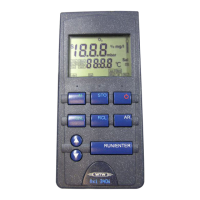
7 Set the required ID number with <▲> <▼>.
8 Confirm with <RUN/ENTER>.
The instrument switches to the pH measuring mode and starts
the measuring and saving process.
AutoStore flashes on the display.
e
r
F
9
9
9
S
1
LoBat
Tref25
nLF
/
K
%
RCL
Sal
°
AR
TP
C
M
m
%
mg/l
cm
S/
cm
cm
1/
°
F
ARng
Cal
Lin
Tref20
Sal
TDS
mbar
OUpH
mV/pH
AutoCal DIN
AutoCalTEC
Time
Baud
Day.Month No.
Year
1
Store
Auto
Ident



 To Next Page