pH 330i/340i Operation
37
Note
If you want to search for a certain element (e.g. date), proceed as fol-
lows:
Outputting stored data
to the interface (only pH
340i)
Note
You can cancel the transmission with <M> or <RUN/ENTER>.
After the instrument number, the printout contains the complete storage
contents in ascending order of the storage location numbers.
1 Using <RUN/ENTER>, select the element (e.g. date).
2 Press <▲> or <▼> repeatedly until the required date appears
on the display.
After approx. 2 s the temperature of the displayed measured
value appears.
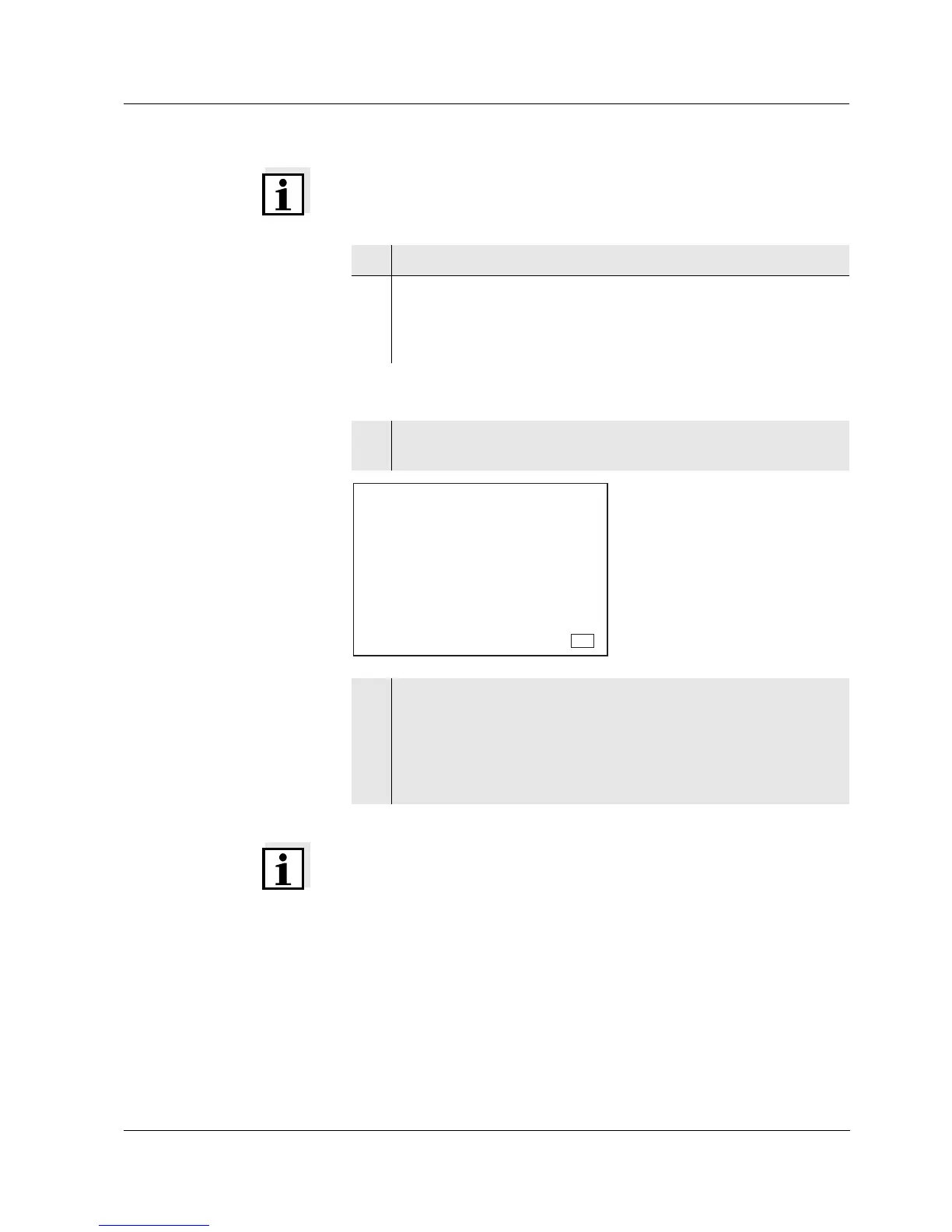
1 Press the <RCL> key repeatedly until Sto SEr appears on the
display.
2 Press the <RUN/ENTER> key.
The complete storage content is transmitted to the interface;
during the data transmission the numbers of the currently
transmitted storage locations run through. After the data trans-
mission, the measuring instrument automatically switches to
the pH measuring mode.
Store
Auto
Ident
S
1
LoBat
Tref25
nLF
/
K
%
Sal
°
AR
TP
C
M
m
%
mg/l
cm
S/
cm
cm
1/
°
F
ARng
Cal
Lin
Tref20
Sal
TDS
mbar
OUpH
mV/pH
AutoCal DIN
AutoCalTEC
Time
Baud
Day.Month No.
Year
R
S
t
o
S
E
RCL



 To Next Page