EasyManua.ls Logo

wtw 330i - Page 38

wtw 330i
68 pages
Print Icon
To Next Page IconTo Next Page
To Previous Page IconTo Previous Page
Loading...
Operation pH 330i/340i
38
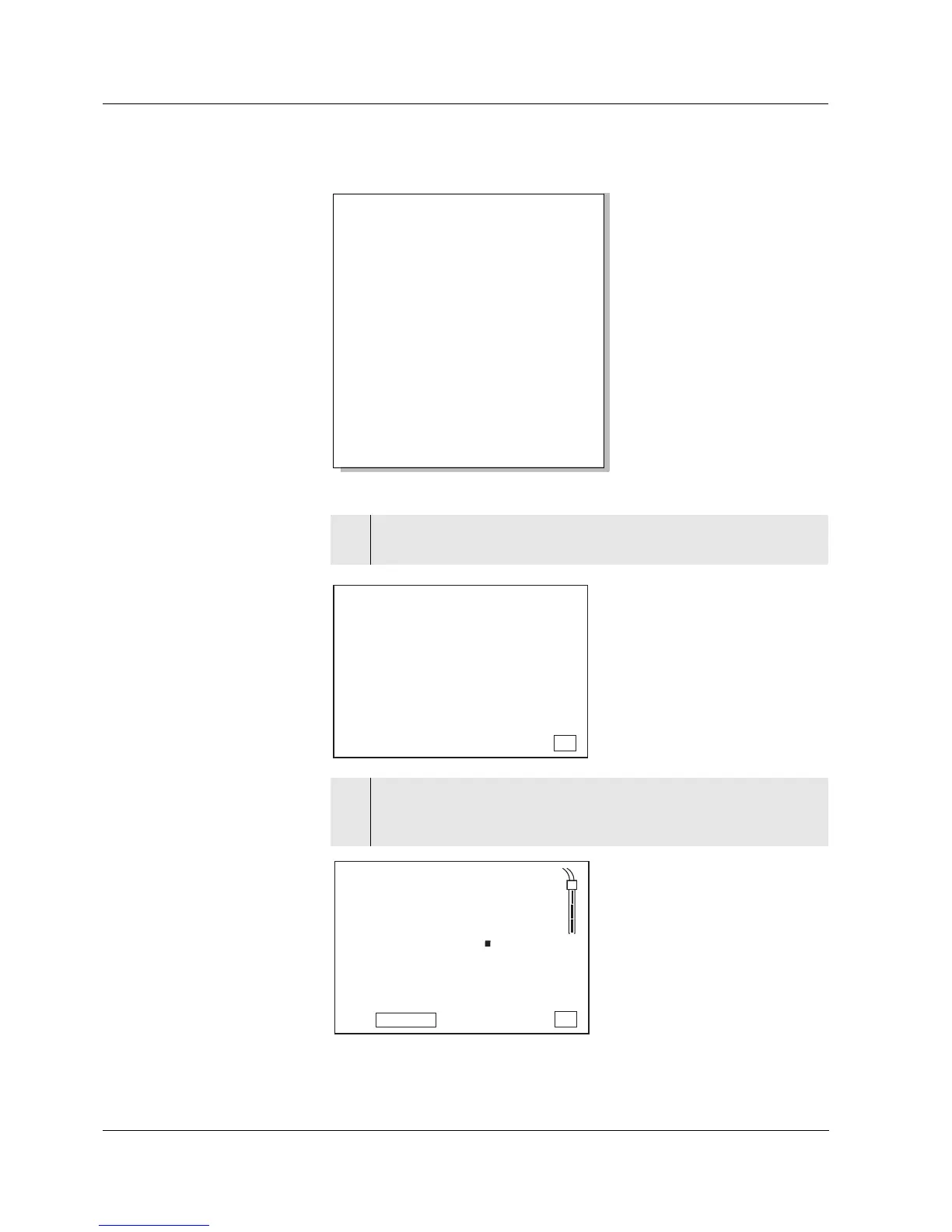
Sample printout:
Outputting the
calibration data
on the display
Device No.: 12345678
No. 1:
09.03.99 17:10
pH 10.01 25 °C
Tman AR
Ident : 1
No. 2:
09.03.99 17:11
pH 10.01 24.7 °C
Tauto AR
Ident : 1
No. 3:
09.03.99 17:12
305 mV
Tauto
Ident : 13
...
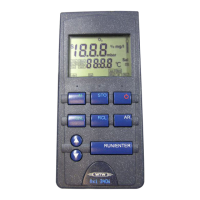
1 Press the <RCL> key repeatedly until CAL dISP appears on
the display.
2 Press the <RUN/ENTER> key.
The slope (mV/pH) in the calibration range I and the calibration
procedure of the last calibration appear on the display:
ARng
ConCal
Store
Auto
0
No.
LoBat
Day.Month
Year
Ident
UpH
AR
%
°F
°C
TP
mV/pH
mol/L
TempError
AutoCal DIN
CalError
AutoCal TEC
Time
Baud
1
S
mg/L
% ppm
ISE
LC
A
pi
s
RCL
d
TP
°C
ConCal
AR
AutoCal DIN
mol/L
8
Auto
Store
LoBat
CalError
ARng
Time
Baud
Day.Month No.
Ident
Year
1
U
%
°F
S
TempError
mg/L
% ppm
ISE
0
L
s
pH
45
9
AutoCal TEC
mV/pH
RCL
-

Related product manuals