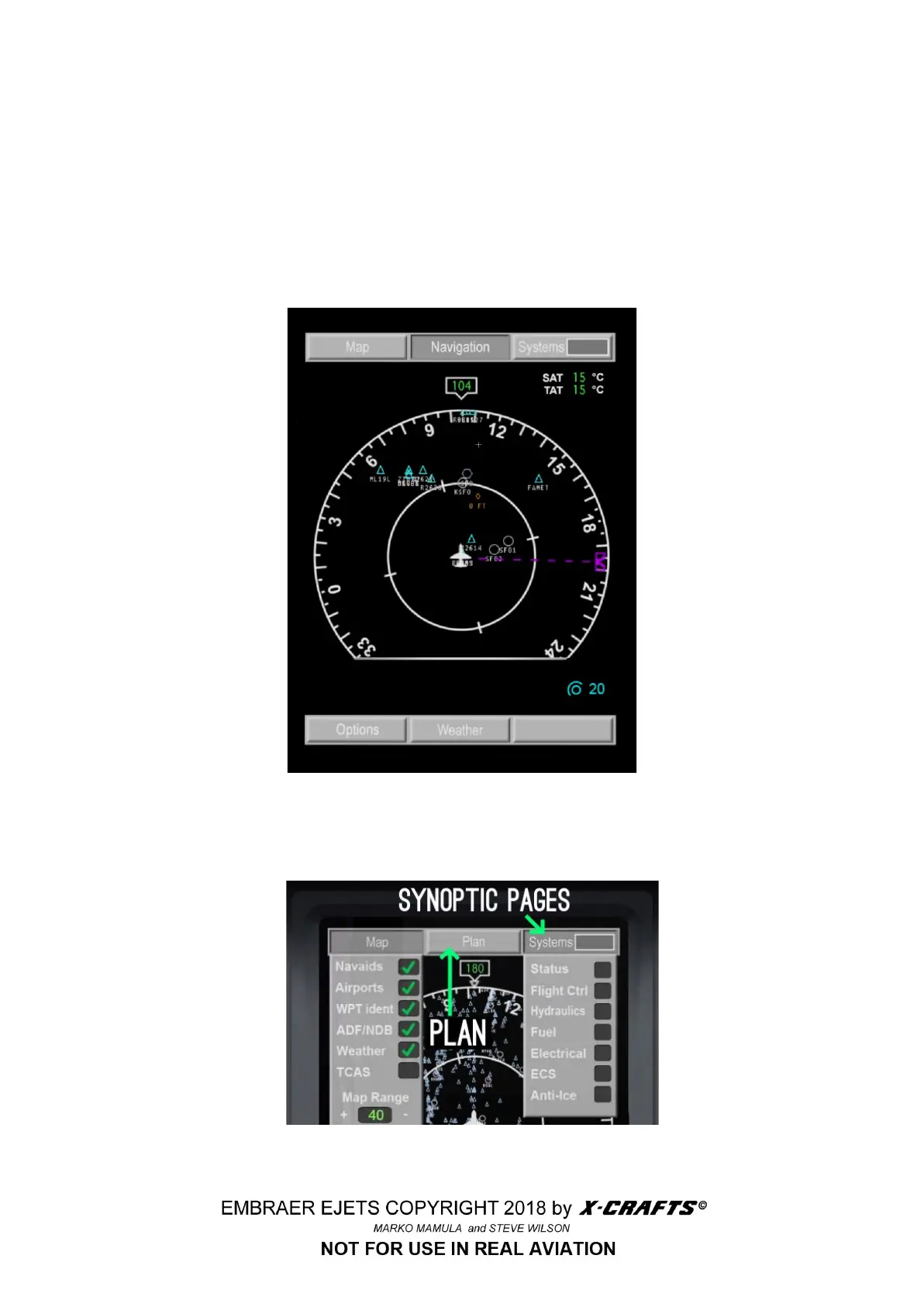
3.6.2 MFD - Multi function display
The MFD presents MAP and PLAN navigation formats and various systems synoptic formats
selectable by keys on the top and bottom of the display.
The synoptic system pages provide visual representation of the selected system’s functions and
parameters.
● White lines and black crosses mean the system is disconnected or not active.
● Green lines and green crosses mean the system is connected or active.
3.6.2.0 MENU
After clicking on Systems key in the top left corner of the MFD a menu drops down and you can
choose from several summary, or “synoptic” pages to use the correct terminology.
29



 To Next Page