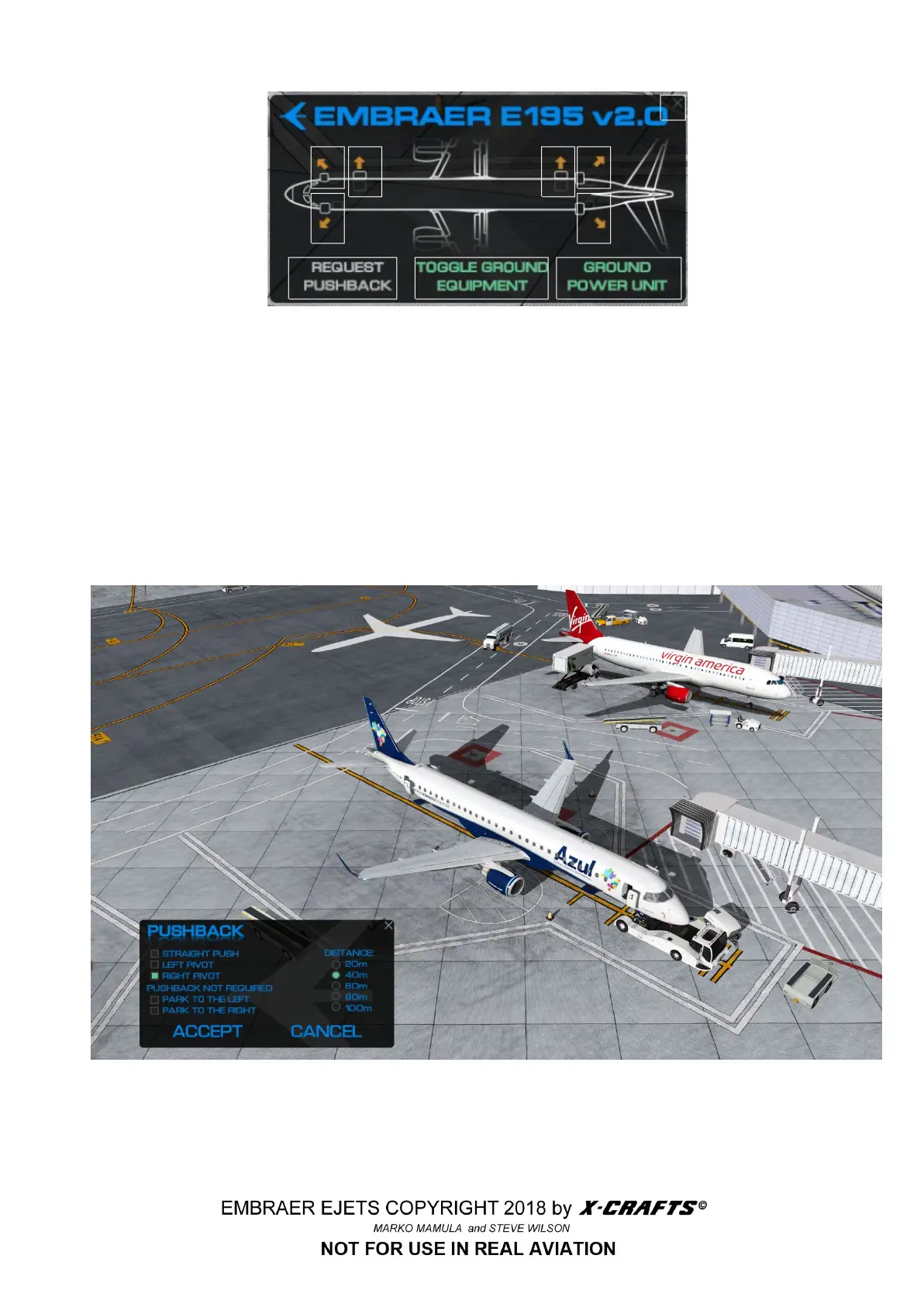
The mouse click zones are shown here. In addition to controlling the doors, you can request a
pushback, toggle the presence of ground equipment and activate the GPU, or ground power unit.
5.2 PUSHBACK PLUGIN
5.2.1 PUSHBACK MENU
Firstly you have to enable the pushback through the plug-in menu. After that you can access the
pushback menu by clicking on the P button on the side of the screen. After the pushback is enabled,
there will be a white silhouette that will indicate the final position of the aircraft after the pushback.
5.2.2 THE PUSHBACK PROCEDURE
1. Before you start the pushback you should select your options in the pushback plugin.
48



 To Next Page