11. DEVICE START-UP ON THE SURFACE
In order to start up BLACK BT on the surface, simultaneously press both buttons
briefly with 1s interval several times.
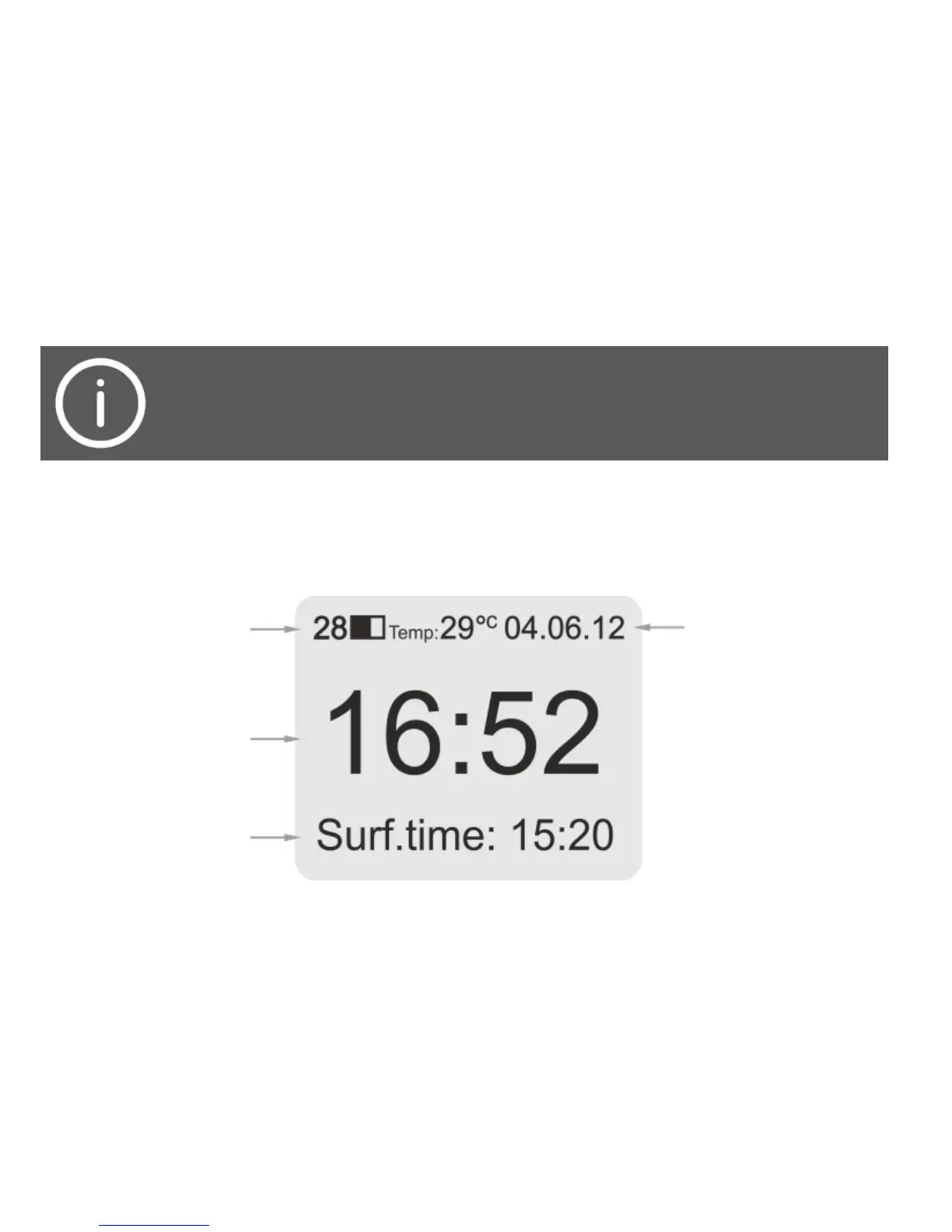
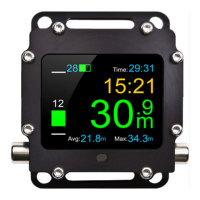
Once done, BLACK BT will start up in surface mode and display the following
information:
To save battery energy, BLACK BT turns off after several minutes of non-operation.
If the device fails to start, the battery is probably discharged. In such
case, connect the charger and then start the device again.


 To Next Page