41. SETTINGS – COMPASS 1/2
Settings -> Compass -> Compass lock
This function prevents the automatic switch back to the main screen after interval
set in Settings -> Usability -> Screen timeout.
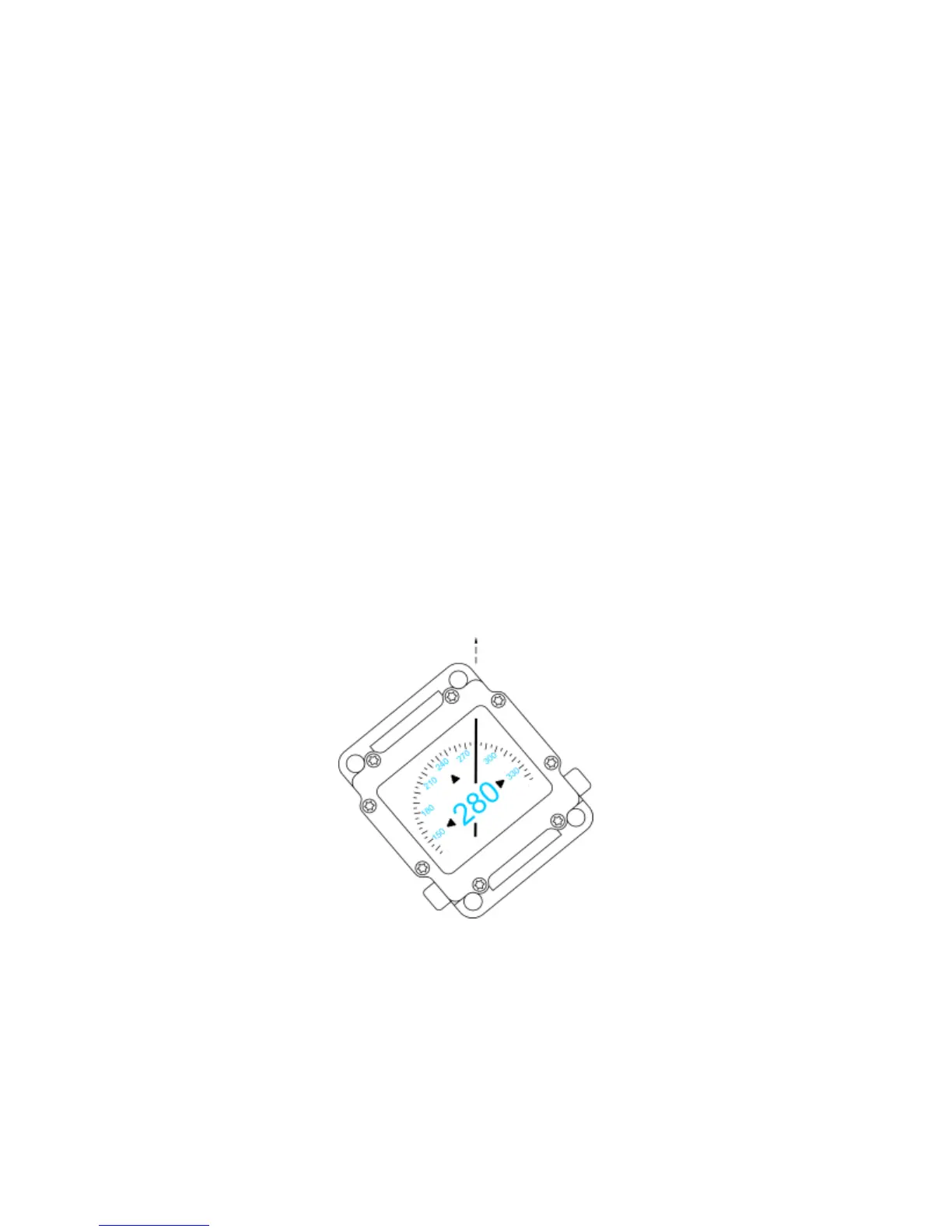
Settings -> Compass -> Rotation
This function allows rotation of the compass relative to the case, which makes it
more comfortable to keep in the correct position during navigation.
In this position, the compass shows the direction in line with the bearing:


 To Next Page