35. SETTINGS – DISPLAY 1/2
Settings -> Display -> Brightness
Screen brightness can be set within a range of 25% - 100%. In „auto” mode,
adjustment is made via light sensor placed in the device case in order to ensure best
readability in different lighting conditions.
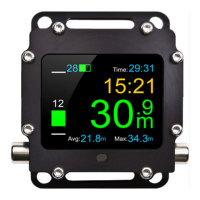
Settings -> Display -> Colour scheme
Selection of one from among many pre-defined screen colour sets.
Settings -> Display -> My colours
Modification of selected colour set via colour change of particular screen elements.
If after setting own set of colours, any pre-defined set is selected
again, the user settings shall be replaced with the selected one.


 To Next Page