13. MENU OPERATIONS
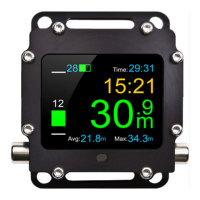
BLACK BT has two types of menus:
Main menu – activated after holding the left button on any screen;
Context menu – activated after holding the right button on screens which
provide such menu type (e.g. compass).
Menu items include several types of graphical symbols indicating functions
performed by them:
Item including sub-menu. Hold the right button to enter the sub-menu.
Item for setting the value. Hold the right button to enter edit mode and
then by pressing briefly, set the value.
Turn on/off item. Hold the right button to change the state.
By pressing briefly both buttons at the same time you immediately
return to the main menu, regardless of the menu level you are in.


 To Next Page