28. COMPASS – NAVIGATION BY BEARING LIST 2/2
Once the file is uploaded correctly into „HEADINGS” catalogue, the first course from
the list will be selected automatically after you start the compass. Once you take the
correct direction, compass clock will start counting the time down, starting from the
value set for the first course.
After counting down the time of the first course, the compass will automatically set
a new course and direction indicator will indicate where to turn to find the correct
course. In situation when the course is switched before you reached the destination,
you can select the current course again using ‘Previous bearing’ function in the
compass context menu.
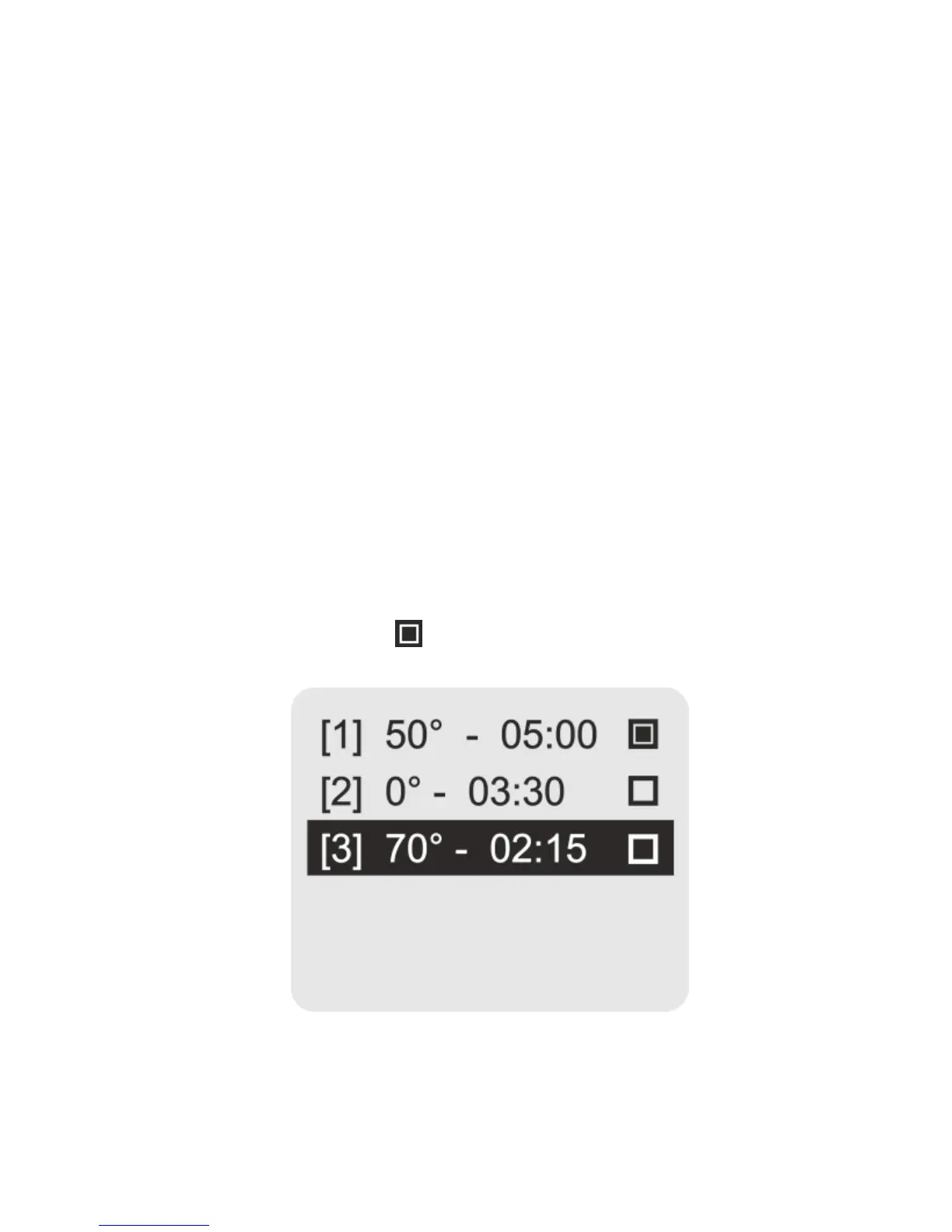
The ‘Course list’ function allows the list to be reviewed and any course can be
selected. The current course is marked with icon on the list.


 To Next Page