38. SETTINGS – USABILITY PARAMETERS 2/2
Settings -> Usability -> Button lock
This function allows you to run an automatic key lock after a certain period of time,
thereby preventing the change of device parameters by pressing keys accidentally.
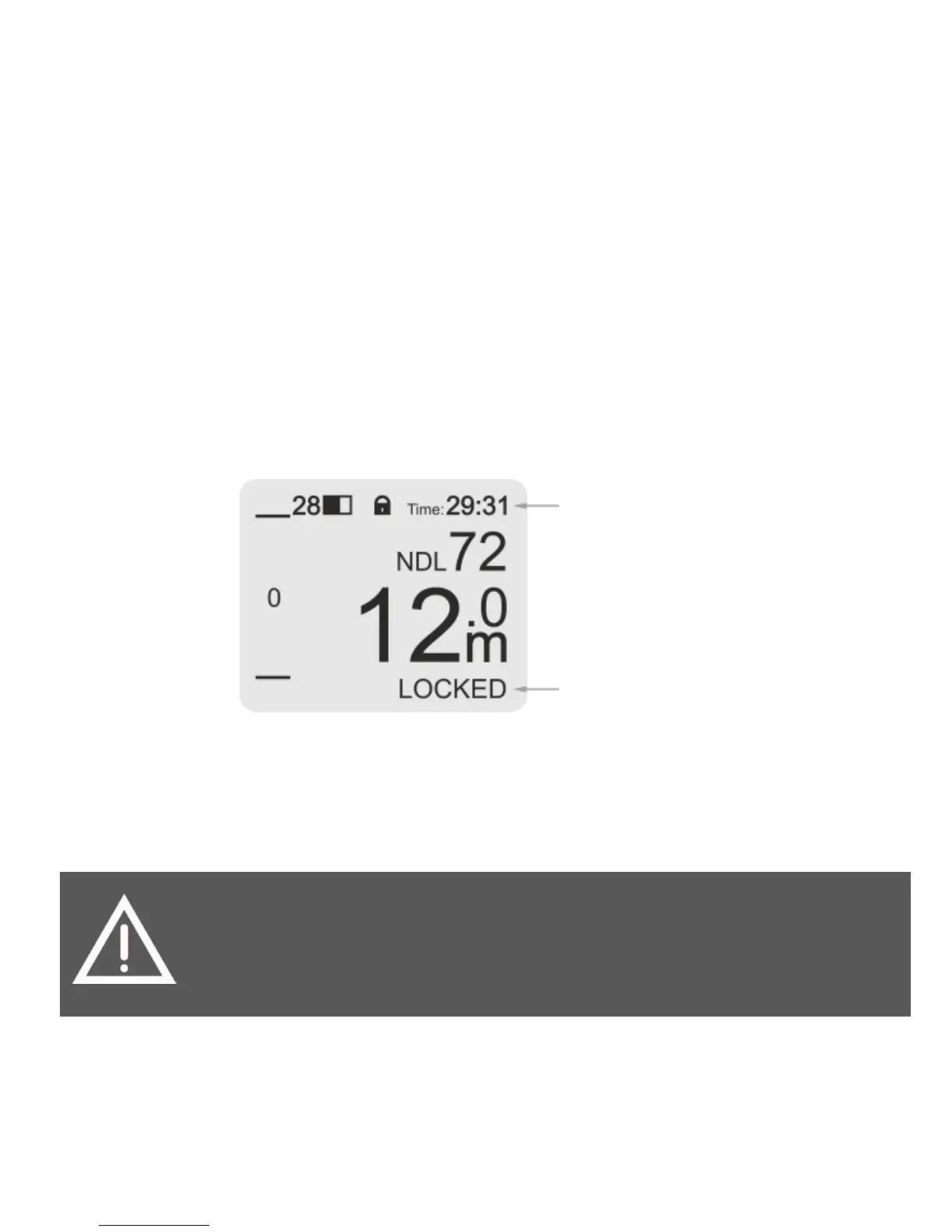
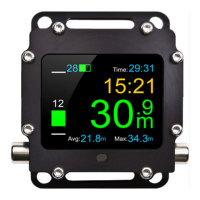
The keys are locked only in an dive mode. Once the keys are locked, the lock icon is
displayed at the top of the screen. If you press any keys, the ‘LOCKED’ message will
be displayed at the bottom of the screen and the device will not react.
In order to unlock devices, simultaneously press both buttons briefly with 1s interval
three times in the same way as when switching the device on. Once the device is
unlocked, the lock icon disappears and the ‘UNLOCKED!’ message is displayed at the
bottom of the screen.
functions until it is unlocked manually (including the gas change
function). Once this function is activated, you have to practice


 To Next Page