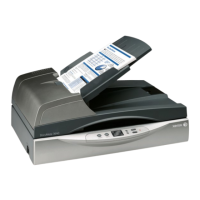
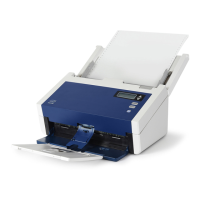
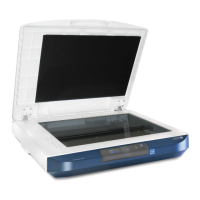
Installation DocuMate 700
10 User’s Guide
9. When you’re certain that the software has completely loaded, return to the “Complete the
installation by connecting your hardware” window.
To see a quick overview about accessing and navigating the One Touch Button Panel, click
More. When you’re finished reading the additional information, click OK.
10. Click OK to complete the installation process.
11. Click Close on the Installation Complete window to close and exit the software installer.



 To Next Page
 Loading...