www.xerox.com/office/support
1 2
3
Paper Handling
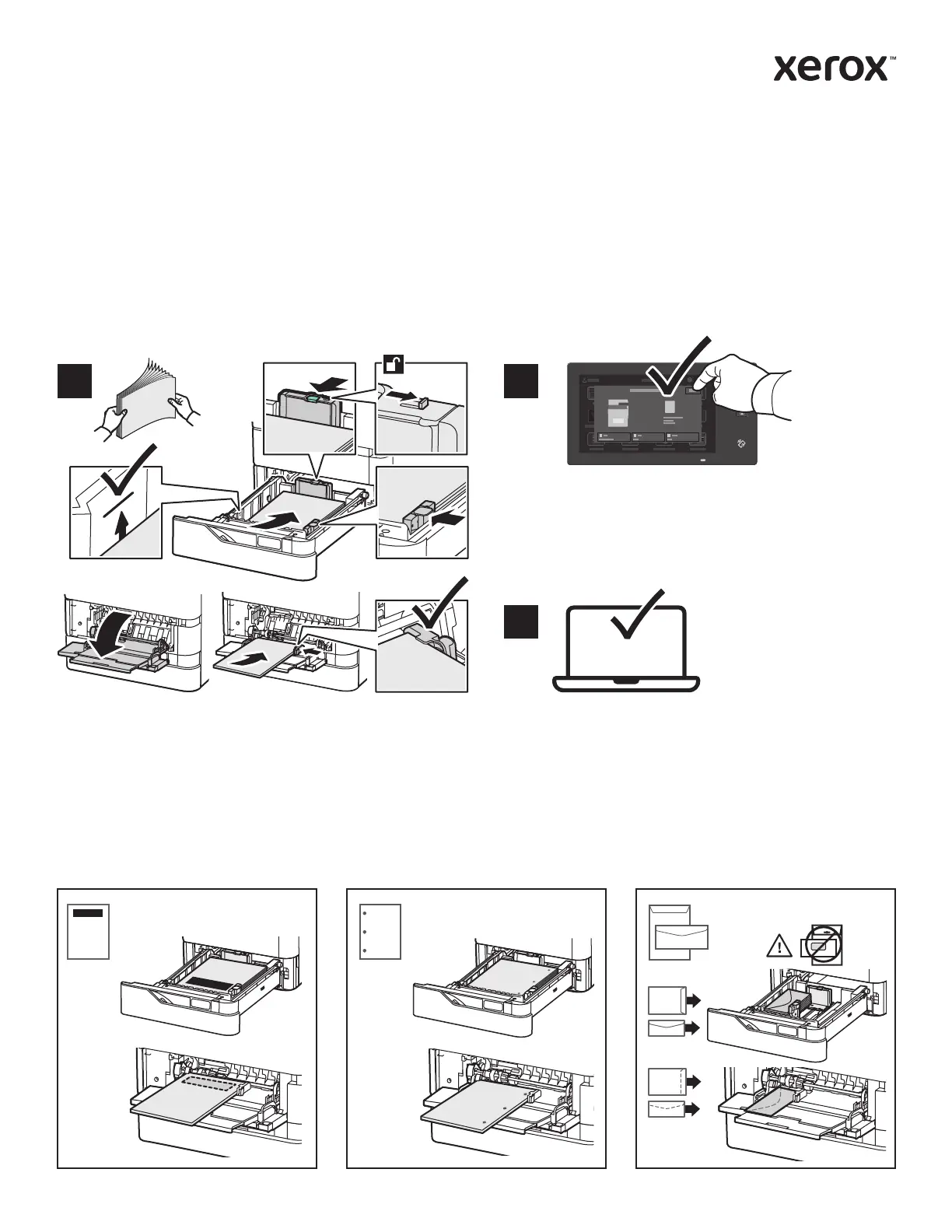
Loading Paper
Paper Orientation
For a complete list of paper that works with your printer, see the Recommended Media List at:
www.xerox.com/rmlna (U. S. and Canada)
www.xerox.com/rmleu (Europe)
For details about trays and paper, refer to the User Guide.
Letterhead Hole Punched Envelope
Confirm or change size, type, and color settings if
needed.
When printing, select options in the print driver.For the best results, fan the edges of the paper. Adjust
the guides to fit the paper size. Do not load paper
above the maximum fill line.
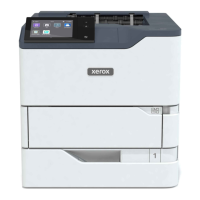
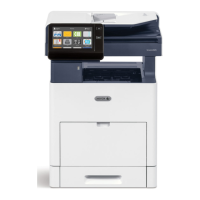
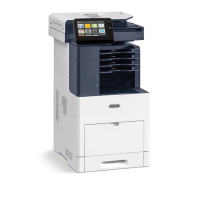
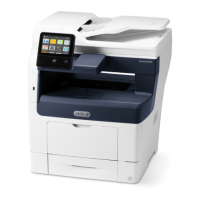
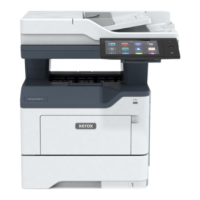
Xerox
®
VersaLink
®
B625
Multifunction Printer


 To Next Page
 Loading...