Specifications
274 Xerox
®
WorkCentre
®
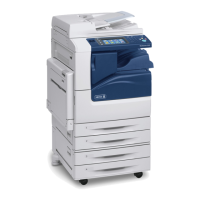
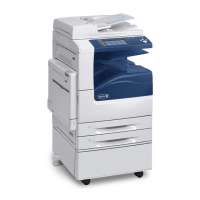
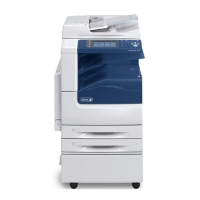
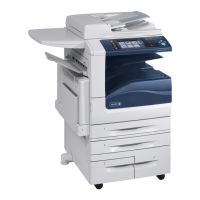
7220/7220i/7225/7225i Color Multifunction Printer
User Guide
Printer Configurations and Options
Standard Features
The printer provides the following features:
• Maximum print resolution: 600 x 600 dpi
• Print document sizes up to 297 x 432 mm (11.7 x 17 in.)
• Copy, print, email, scan, Internet fax, and server fax
• Automatic 2-sided printing and copying
• Maximum copy and print speeds, for color or black and white:
− Up to 20 pages per minute (ppm) for the Xerox
®
WorkCentre
®
7220 Multifunction Printer
− Up to 25 pages per minute (ppm) for the Xerox
®
WorkCentre
®
7225 Multifunction Printer
• 110-Sheet document feeder
• Color touch screen control panel
• Trays 1–2 with 520-sheet capacities
• Tray 5 with 50-sheet capacity
• Scan to USB and Print from USB mass storage devices
• 2 GB RAM
• Internal 160 GB hard drive
• Secure Print
• Ethernet 10/100/1000Base-TX
• Universal Serial Bus (USB 2.0)
• Embedded PDL support for PCL 5, PCL 6, and XPS
• PCL and client-based XPS support
• Adobe PostScript and PCL fonts and support
• Job-based accounting
• McAfee data security
• Remote driver installation
• Bonjour, SSDP, and SAP device discovery
• Email Alerts
• Automated supplies replenishment
• Proactive supplies management
• Xerox
®
CentreWare
®
Internet Services
• Xerox
®
CentreWare
®
Web
• Xerox Extensible Interface Platform
• Earth Smart features
• Support for AirPrint
• Wi-Fi Direct





 To Next Page