17
Note: Do not tilt the omni station during daily use or cleaning. If water collects in the washboard
base, wipe it dry with a cloth.
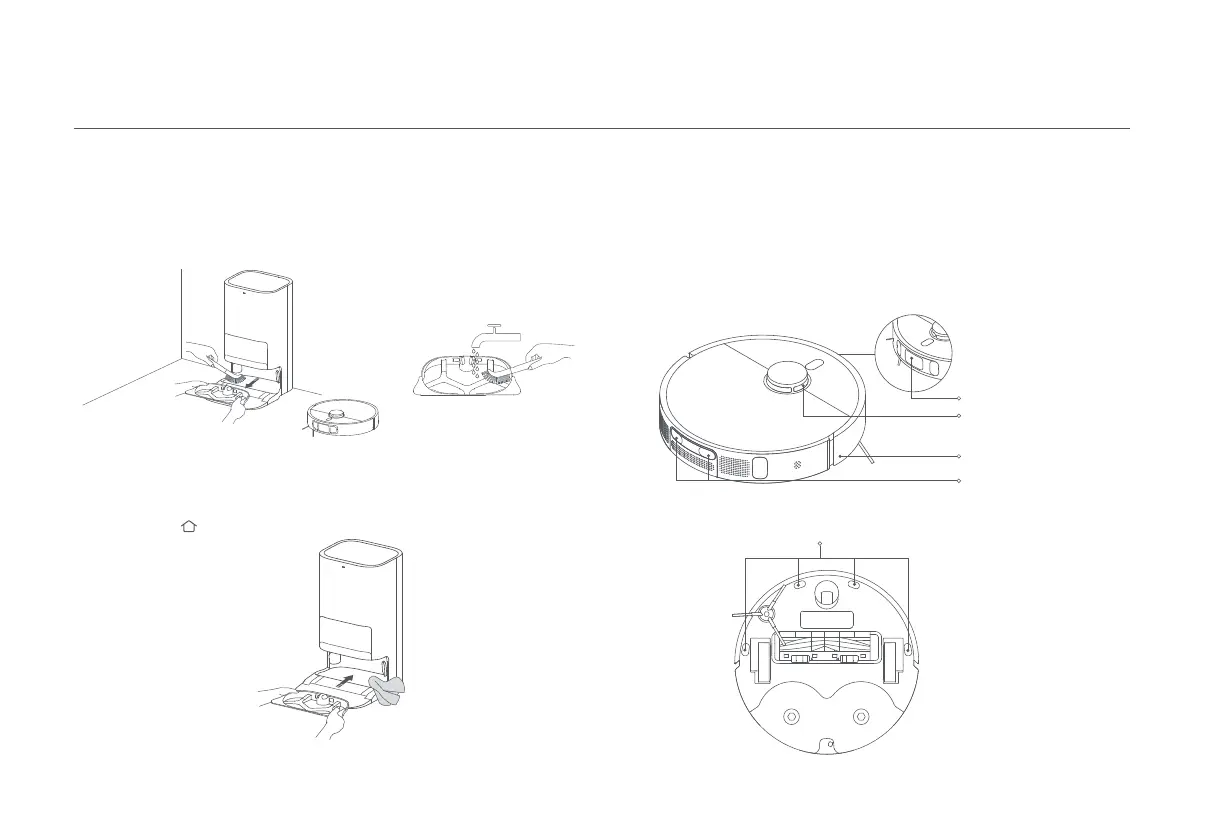
Cleaning the washboard and washboard base
1. Select the omni station cleaning function in the app and the robot vacuum will
automatically leave the omni station. Manually remove the washboard, and then
the omni station will automatically inject water into the washboard base. Use a
cloth or brush to clean any dirt from the base and washboard.
2. Wait for three minutes and the omni station will automatically drain away
the dirty water. Use a dry cloth to wipe clean the washboard base and the
washboard, then reinstall the washboard. Once the base has been cleaned, you
can manually place the robot vacuum onto the omni station, use the app, or
press the button on the robot vacuum to send it back.
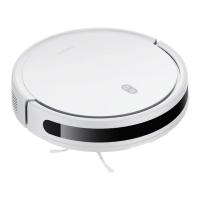
Use a soft cloth to clean all sensors and charging contacts in the robot vacuum:
·
The cliff sensors on the bottom of the robot vacuum.
·
The charging contacts on the back of the robot vacuum.
·
The LDS laser sensor on the top of the robot vacuum.
·
The bumper and the line laser sensor on the front of the robot vacuum.
Cleaning sensors and charging contacts
Line Laser Sensor
Cliff Sensor
LDS Laser Sensor
Charging Contacts
Bumper









 To Next Page