EasyManua.ls Logo

Xlink ITC-BTTN - Page 3

Xlink ITC-BTTN
29 pages
To Next Page IconTo Next Page
To Previous Page IconTo Previous Page
Loading...
STEP
2 Ready for Pairing i
STEP
3 Pair Cellular Phone
to
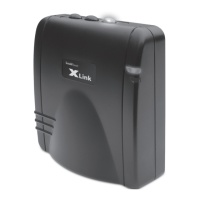
XLink
YOU
CONNECTEDI
Press
OK
~
Enter password "1234"
into
your cellular
phone.
Blue
light
stops blinking and remains
on
when cellular and selected XLink line are
---li':::~::~~=:--~~~
paired successfully
Typical Pairing
- Select "Hands
Free"
- Select "Look
For
Devices"
- Select "XLink Gateway"
- Select
"Yes"
and pair
with
XLink
- Enter password "1234"
-
Press
"OK"
~
Enable your
Bluetooth
function
on
your
cellular
phone
(refer
to
your cellular
phone's manual
if
necessary) steps
may
differ
per
model
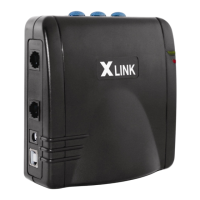
Select line [oj, [00], or
[oooJ
on XLink
Press
and
hold
down
button
for
selected
line
until
blue
button
light
blinks
quickly

Other manuals for Xlink ITC-BTTN

Related product manuals