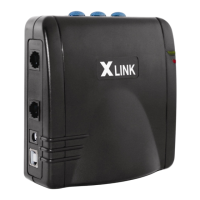
OUTLETS
'.
. .
.,:.I!
LINE
#1
L1NE#2
1
LINE
#3
...,
1
POWER
+ 0
INDICATOR
~~,.....-~
TELEPHONE
CORD
---
CONNECTION
(to
main home phone)
TELEPHONE
SERVICE
LINE
CONNECTION
(to wall outlet)
POWER
ADAPTER
---I
CONNECTION
USB
CONNECTION
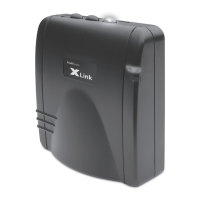
- Bluetooth enabled cellular phone required
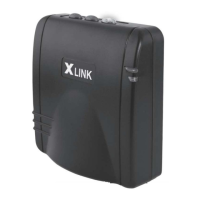
- XLink can be placed
upright
with stand or lay flat
- Pair up
to
3 cellular phones
to
your XLink
Each
line
[oJ.
[ooJ,
or
[000] pairs to one cellular phone
- Once paired, your cellular phone and your XLink will
automatically connect
via
Bluetooth when in range
-
To
disconnect your cellular phone from XLink simply
press the appropriate blue line
button
-
To
re-connect your cellular phone
to
XLink on the same
line, simply press the same
button
and the
light
will
return
to
steady blue
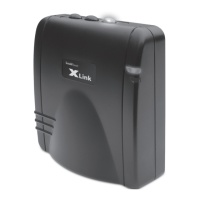
- XLink
ITC-BTTN
is
designed
to
work
with
your standard
home phone and telephone service


 To Next Page