UNIT
K
EYS
1
8
4
3
5
6
12
2
9
7
16
13 10
18 17
11
C
ontr
ol Pa
n
e
l
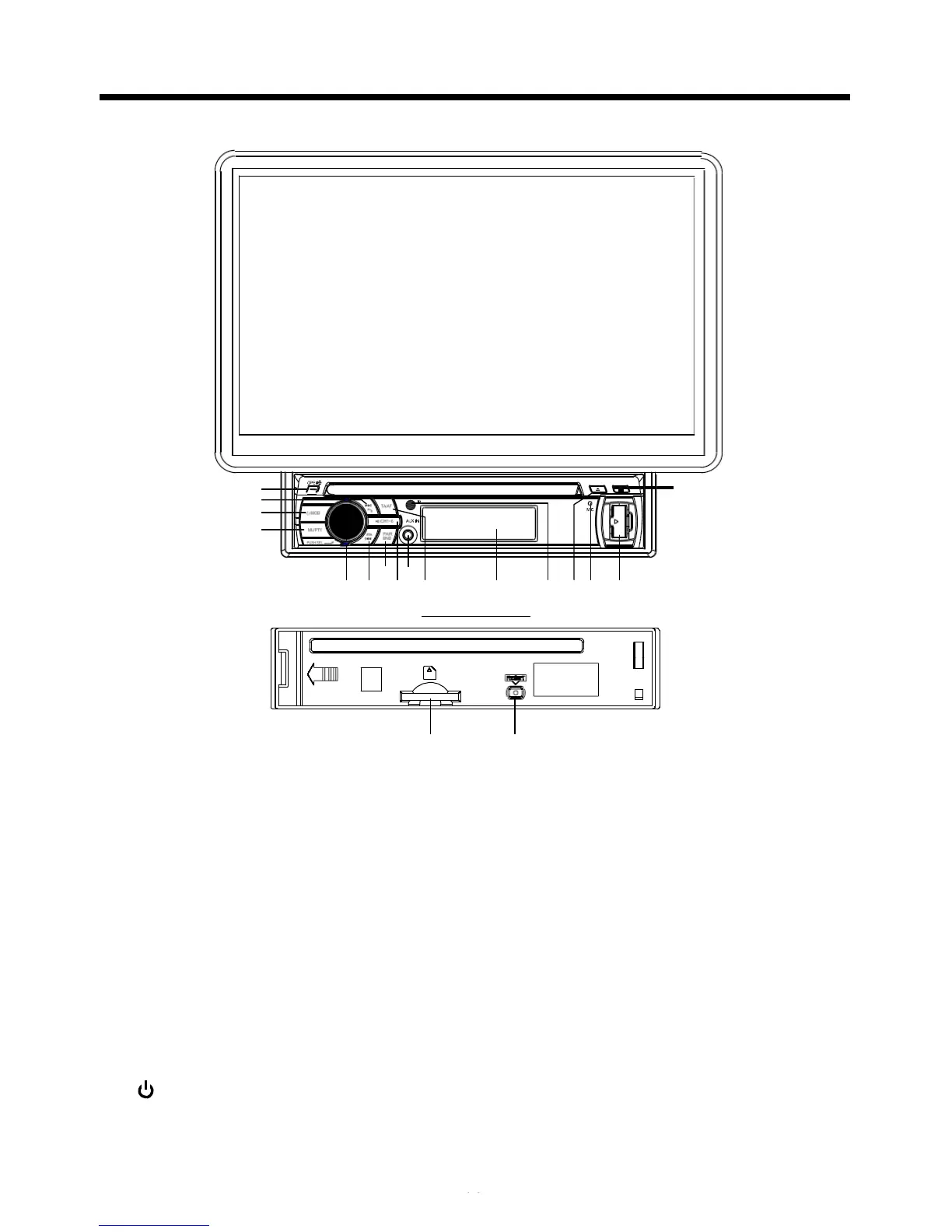
1. OPEN
B
UTTON
14
15
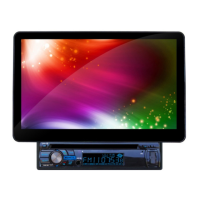
To slide the monitor out and stand it up or into the monitor slot, press this button;
2. VOL KNOB & SEL
B
UTTON
In normal mode, the VOL knob is used to increase or decrease the volume.
Press the SEL(in radio mode,press and hold the SEL) to switch between
BASS,TREBLE,BALANCE, SWF VOL, SWF FREQ.
After switching on the desired mode above, rotate VOL knob or press VOL+/
VOL- buttons to set it.
In radio mode, press the SEL to select MANUAL/AUTO mode, in radio manual
mode to scan the frequency by rotate the VOL knob, select radio auto mode to
cancel the scan function.
3. (POWER On/Off )/MODE
B
UTTON
Short press it to turn on the unit, long press it to turn off the unit.
In power on mode, Press it repeatedly to select
RADIO, DISC, USB, CARD,
BT and AUX mode.


 To Next Page
 Loading...