ON -SC R EEN D ISPL AY FU N C TION
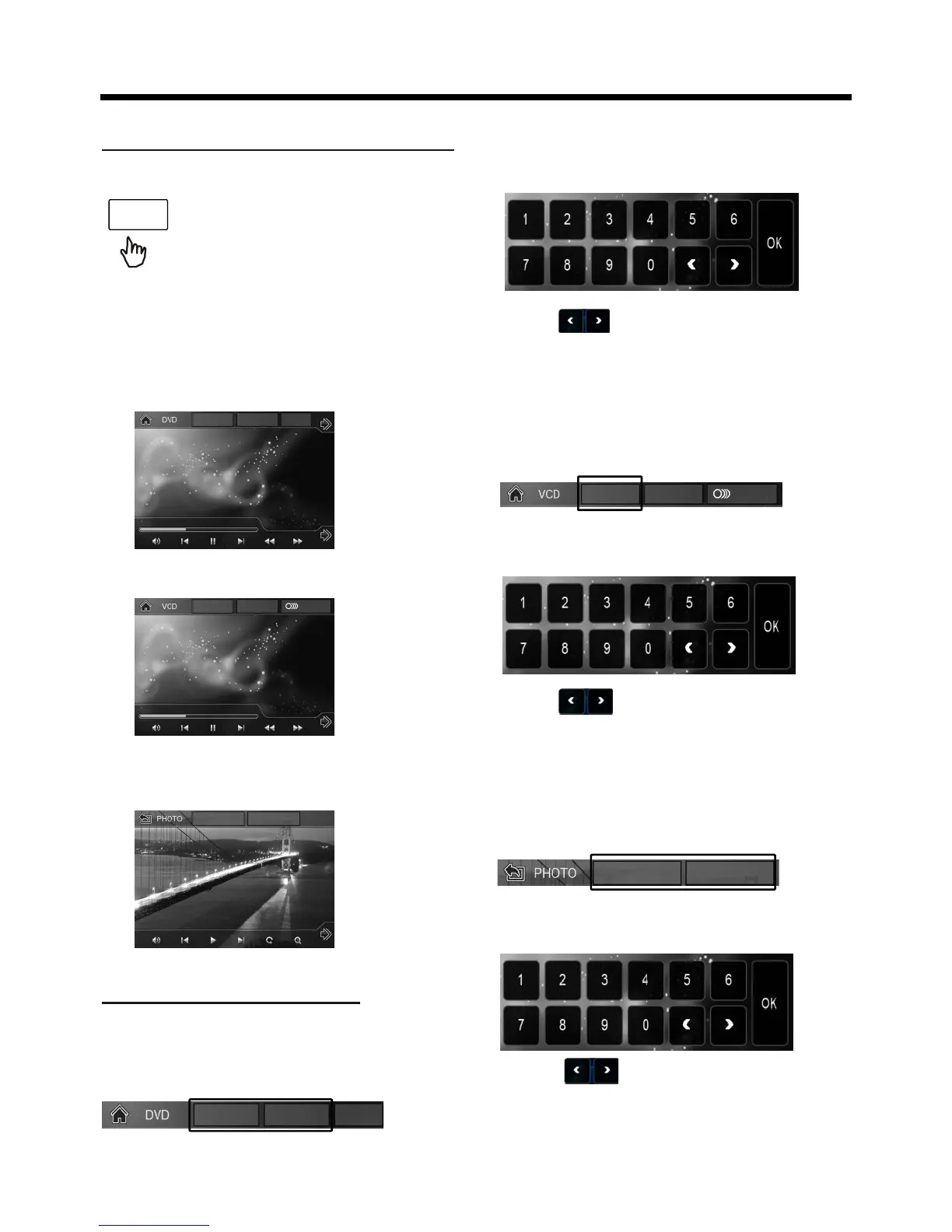
During playback, touch the
screen or press the DISP on the
the screen will display the following
message :
OSD
remote control, it will display
the following as below :
Note: touch the screen or press the DISP
on the remote control again to cancel
the OSD information.
1. Digital Video , when it is on, it will
display the information such as:
Touch to select the adjustment
item, then select the item your favour
by touching the numberic buttons ,
then touch the OK to confirm .
T
00
1/004
C
00
1/001 MENU
FOR VCD (With PBC OFF) :
Touch the screen as show:
T 001/004 PBC MI X
00:25:08
01
:03:02
2. Example for VCD/SVCD, when it is on,
it will display the information such as:
T 00 1/004 PBC MIX
00:25:08
01
:03:02
3. Example for Movie or PHOTO .
When it is on, it will display the
information such as:
F 001/003 T
001/001
the screen will display the following
message :
Touch to select the adjustment
item, then select the item your favour
by touching the numberic buttons ,
then touch the OK to confirm .
For Movie/Photo:
Touch the screen as show :
F
00
1/
00
3
T
00
1/
00
1
D ISC Se a rch (GOTO)
FOR Digital Video :
Touch the screen as show :
T
00
1/004 C
00
1/001
ME
NU
the screen will display the following
message :
Touch to select the adjustment
item, then select the item your favour
by touching the numberic buttons ,
then touch the OK to confirm .


 To Next Page
 Loading...