BASIC OPER ATION
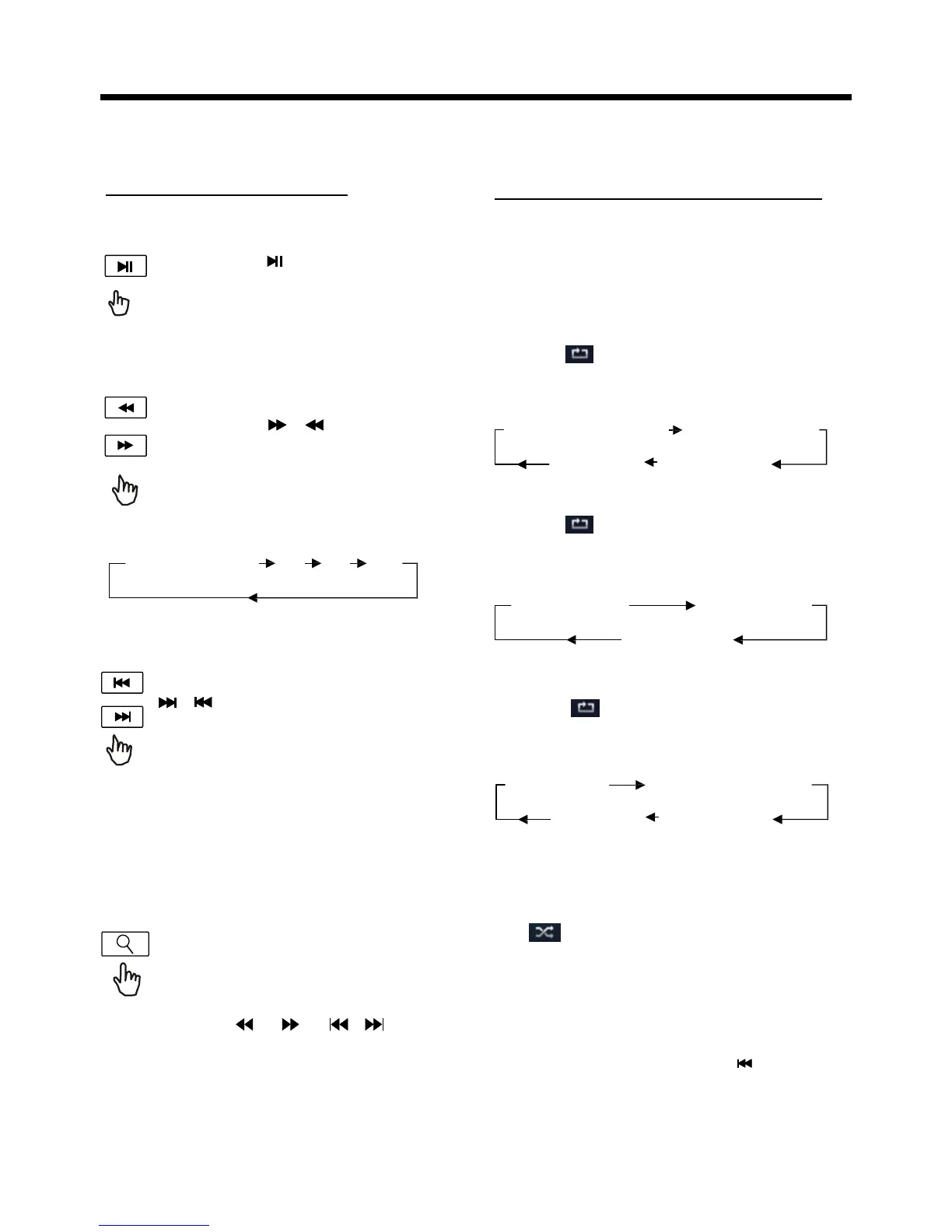
Pause (still picture)
Touch the “ ” section on touch
screen during playback will stop
play temporary, touch it again to
return the normal playback .
Rapid Forward/Rapid Reverse
During DISC playback, touch the
screen of “ / ” range the
speed of rapid forward/reverse
SEL EC TIN G PL AY MOD ES
During the Disc playback, select the
“RPT, RDM ” to select your favour
play mode.
1). REPEAT FUNCTION
FOR Digital Video :
Tap the icon or press the RPT button
on the remote control to select REPEAT
mode as follows :
CHAP TE R REP EAT ON TI TLE REP EAT ON
changes according to the disc as
follow:
REP EAT OFF
FOR VCD/CD :
REP EAT AL L
Digital Video/VCD/CD/MP3:
Normal Playback
2x 4x 8x 20x
Tap the icon or press the RPT button
on the remote control to select REPEAT
mode as follows :
Skipping Track
During DISC playback, Touch the
/ section on the touch screen
to skip to next/back one track.
Note :
REPEAT ONE REPEAT ALL
REPEAT OFF
FOR MP3 :
Tap the icon or press the RPT button
on the remote control) to select REPEAT
mode as follows :
REP EAT ONE REP EAT FO LD ER (or DIR)
For some VCD2.0 disc (PBC-playback
control), above these buttons may be
unavailable .
REP EAT OFF REP EAT AL L
Zoom Function
Touch the button repeatedly,
the displayshow as “
zoom 2,
zoom 3, zoom 4 , zoom ½,
zoom 1/3, zoom 1/4 , zoom off
. ”
Use the keys ( / / / on
remote control to move the enlarged
picture .
2). RDM(RANDOM) FUNCTION
During DISC playback, touch screen
of “
” section ( press the
RDM button on the remote control to
play in random. Each play mode the
order is different . (Depend on the
disc used for VCD).
Touch it again to cancel this function .
Note : in random mode, the button
is not available .


 To Next Page
 Loading...