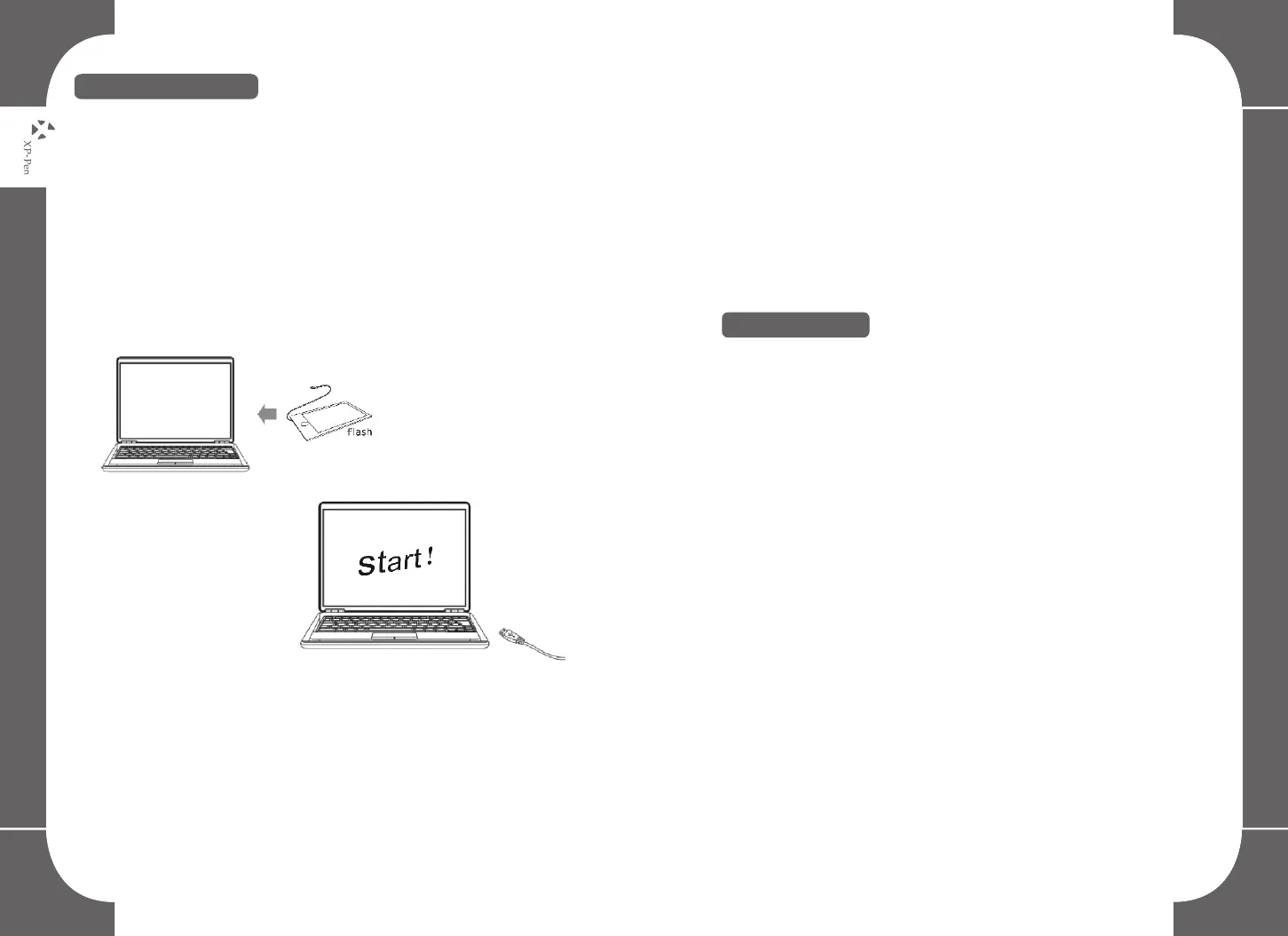
(1) Connect the Star G430 tablet to a computer.
(2) Mac OS system: Please download G430 from XP-Pen web site.
(3) Unzip the file and run the execution file.
(1) Connect the Star G430 tablet to a computer.
(2) Please download the G430 driver from XP-Pen web site and unzip
it. The URL is www.xp-pen.com
(3) Open G430 driver folder and run the install.exe file.
1. Windows driver install
Image4-1: Windows driver installation
NOTES:
(1) Suspend/Disable Anti-virus software, firewall or any other
security software you are using before installing the driver.
(2) Uninstall/Remove any previously installed graphic tablet
drivers and related software-INCLUDING software installed
for ANY tablets that are not manufactured by XP-PEN. Then
reboot the system to avoid system conflict before installing
the driver.
2.Mac driver install
10 11



 To Next Page