VII.Uninstall Driver
1.Windows operating system
(1)Explore [Start] →[Program] →[XP-Pen] →[Uninstall driver],
and follow the instructions until the uninstall is completed.
(2)Explore [Start] →[Add/Remove program] →find [Tablet Driver
V8.0] select [Add/Remove], and follow the instructions until the
process is completed.
2. Mac OS
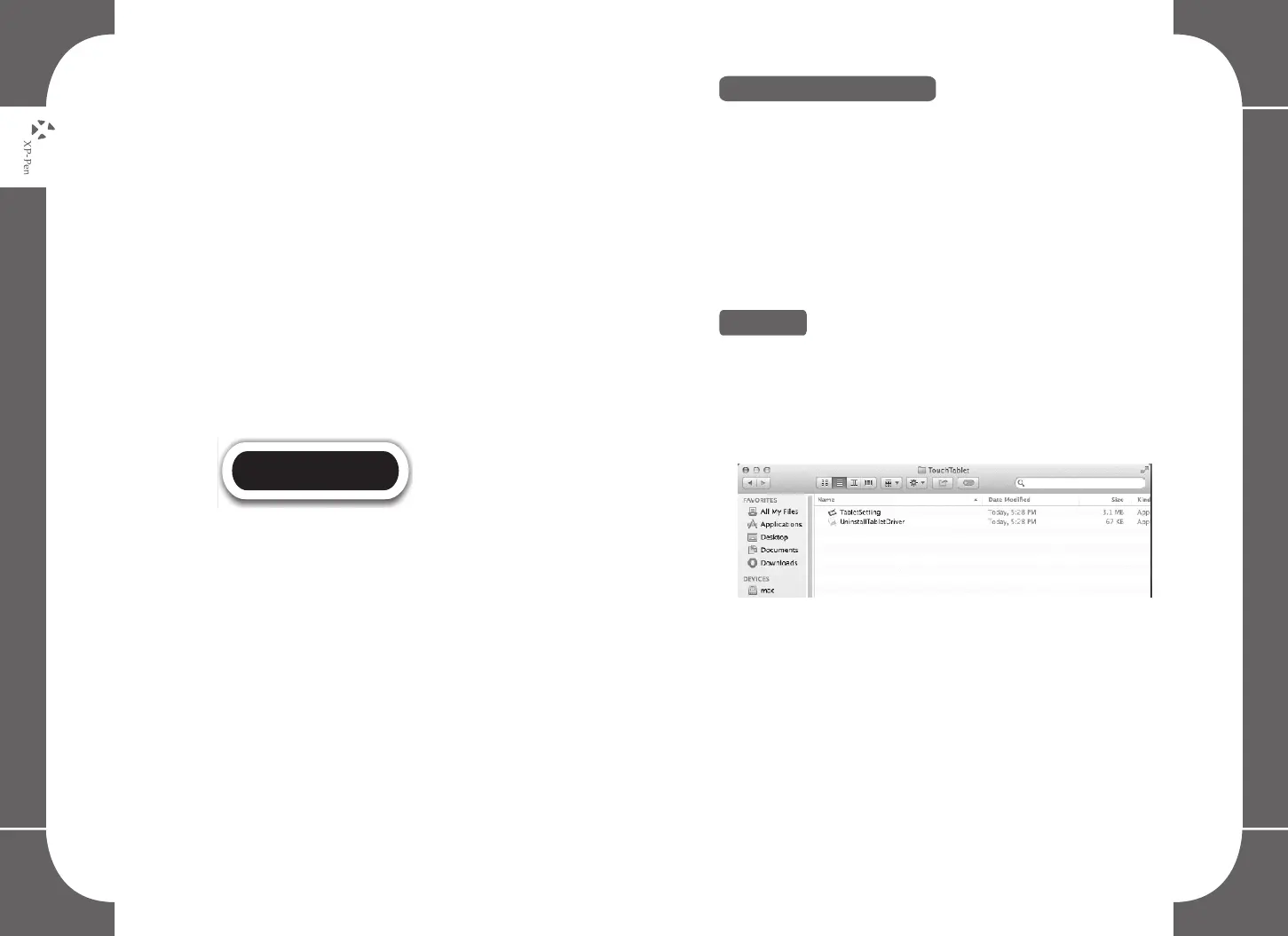
Explore [Finder]→[Application]→[Touch Tablet]→[Uninstall Pen
Tablet Driver], and follow the instructions until the process is
completed.
Image 6-7: Uninstall
NOTE:
If you are required to reinstall the graphic tablet driver, reboot
your computer first before reinstalling the driver.
32 33



 To Next Page