4 5
1.Product Overview
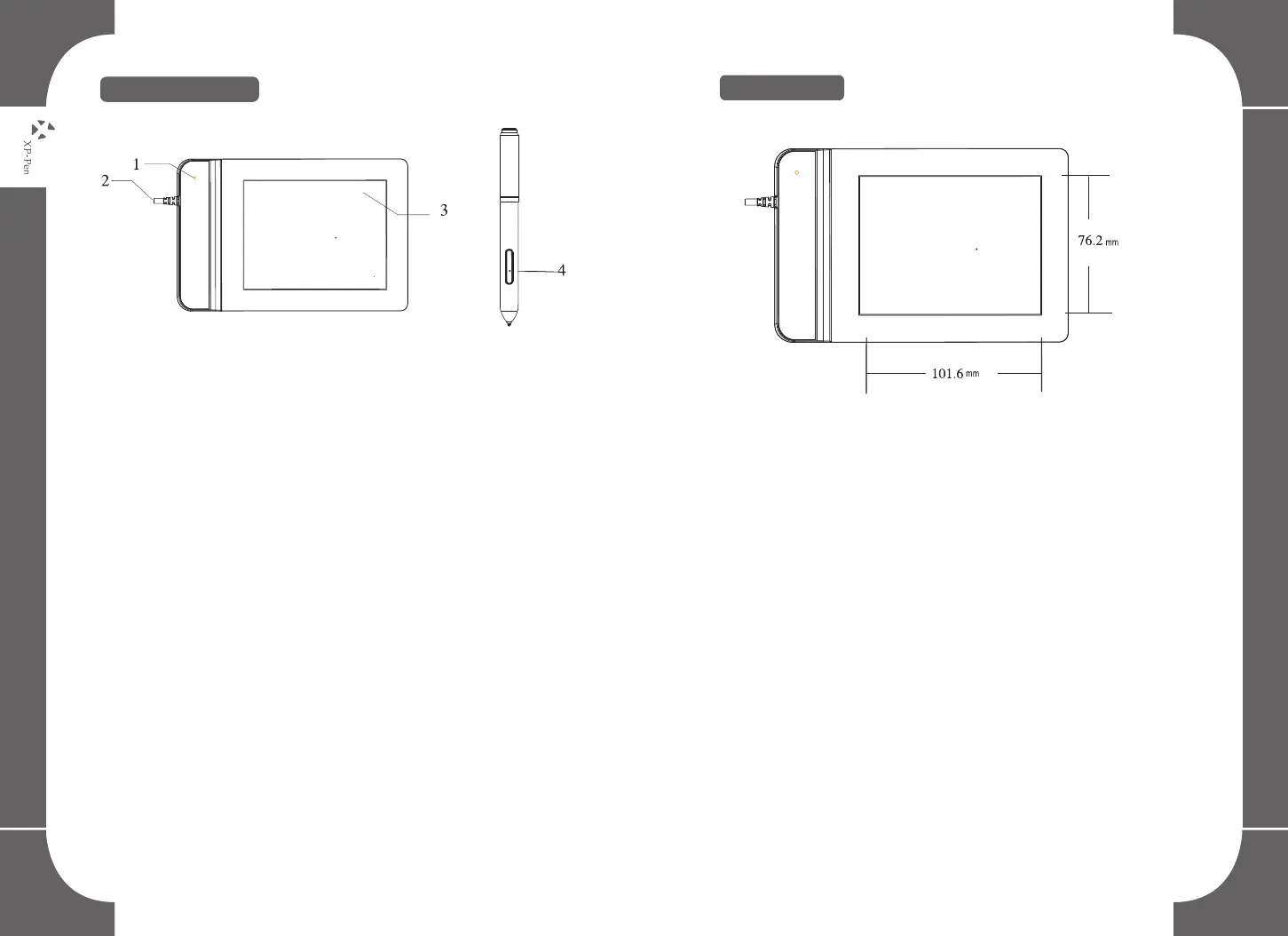
Image 2-1: Product image
(1) Status indicator light
(2) USB Port
(3) Working area
(4) Stylus
NOTES:
(1)Under the normal working state, when a stylus is above the
working area within the induction scope the light will blink
once per five seconds;
(2)When a stylus is touching the working area, the blue
indicator light will remain bright.
3.Functional express key combination set
2.Working area
Image 2-2: Working area



 To Next Page