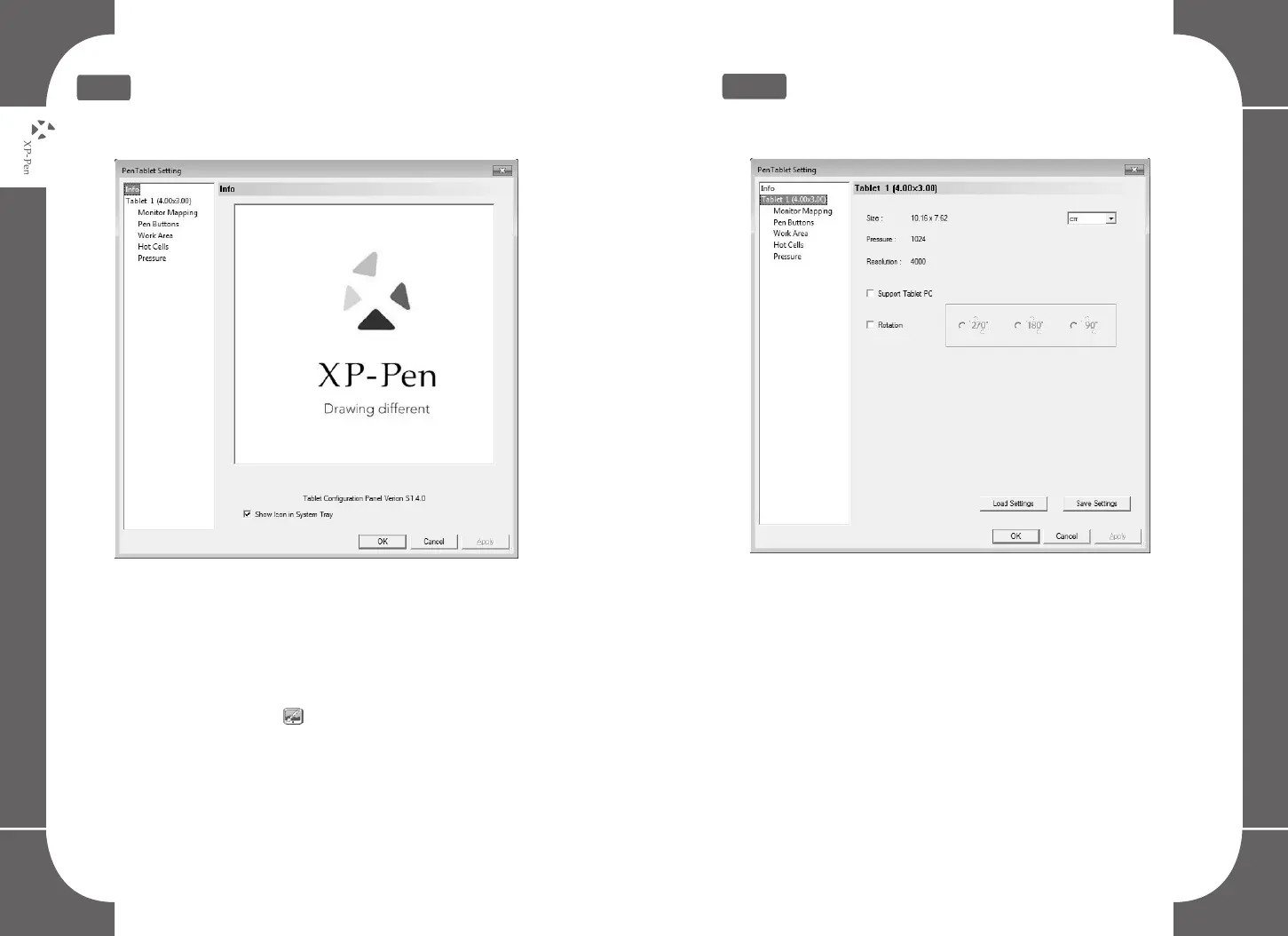
2.Info
Info:
Graphic tablet driver version
Show icon in system tray:
Select to show the tablet icon “ ” in the system tray.
Image5-1: Info
3.Tablet
Image5-2: Tablet
Displays basic information of the tablet, including working area
size, pen sensitivity level and resolution settings.
Support Tablet PC:
Check ‘support tablet PC’ to allow support of the Tablet PC ink
function contained within Windows Vista/7/8.
14 15



 To Next Page