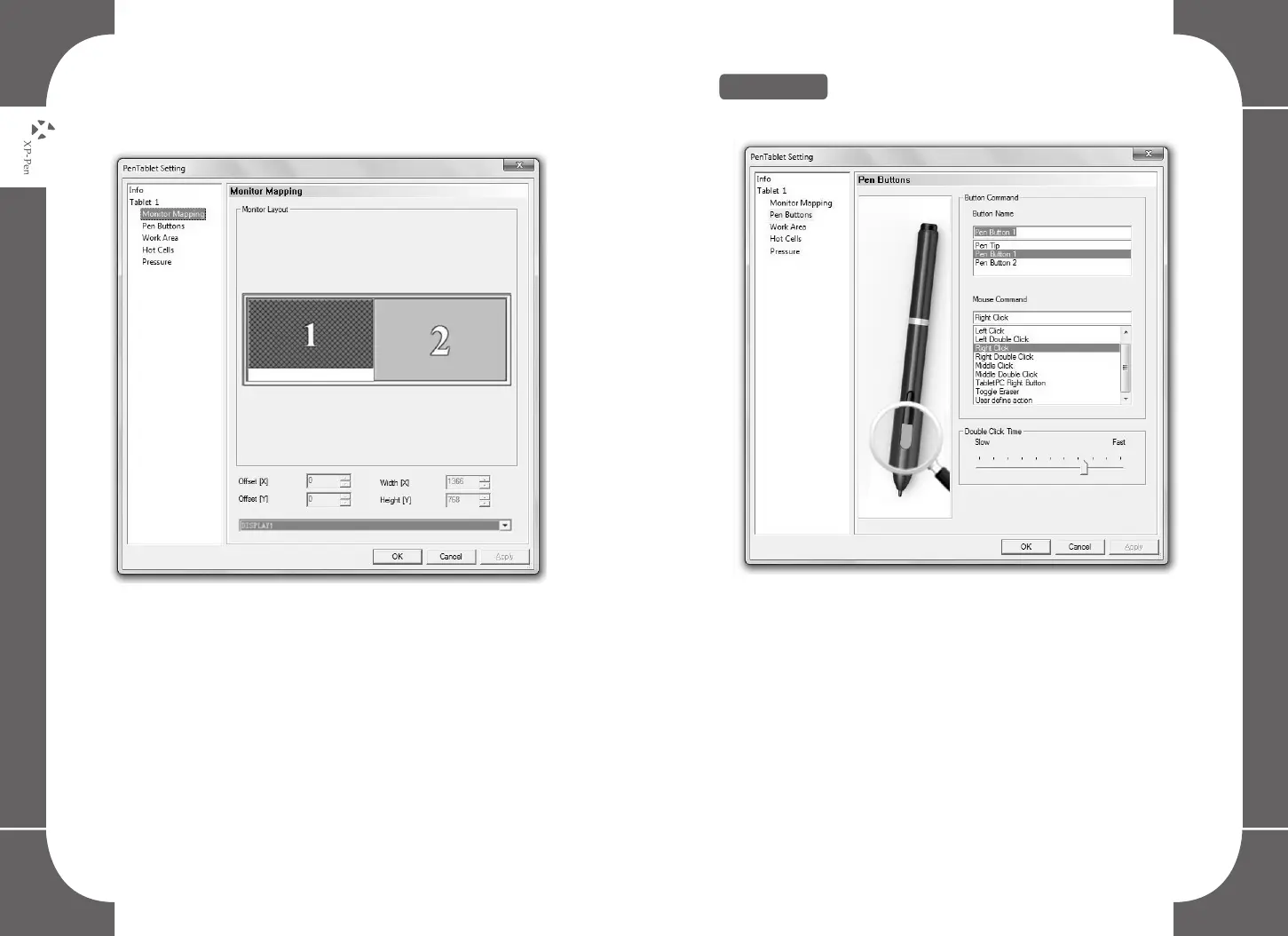
Image5-5: When you set for 1 display, movements on your tablet will be
singularly shown on the selected monitor.
Image5-5: The graphic tablet set for 1 monitor.
NOTE:
Monitor mapping can be modified to assign your desired screen
area size, however the Driver Requirements of your computer may
limit this.
5.Pen Buttons
Image5-6: The Pen Button tab settings
Button Name:
You may reprogram the functions of the pen’s two-barrel buttons
by selecting the button name from the drop down menu and
assigning your desired commands like a traditional three-button
mouse.
18 19



 To Next Page