You can change the physical usage direction of the tablet to 270,
180, and 90 angles.
NOTE:
(1) After the Tablet driver is installed in Windows, the Tablet PC
function setting will automatically support use in Microsoft
Office (Word, Excel, PPT, Outlook), etc.
(2) When the Tablet PC Function is not in use it is recommend to
disable it, by unchecking “Support Tablet PC”
4.Monitor Mapping
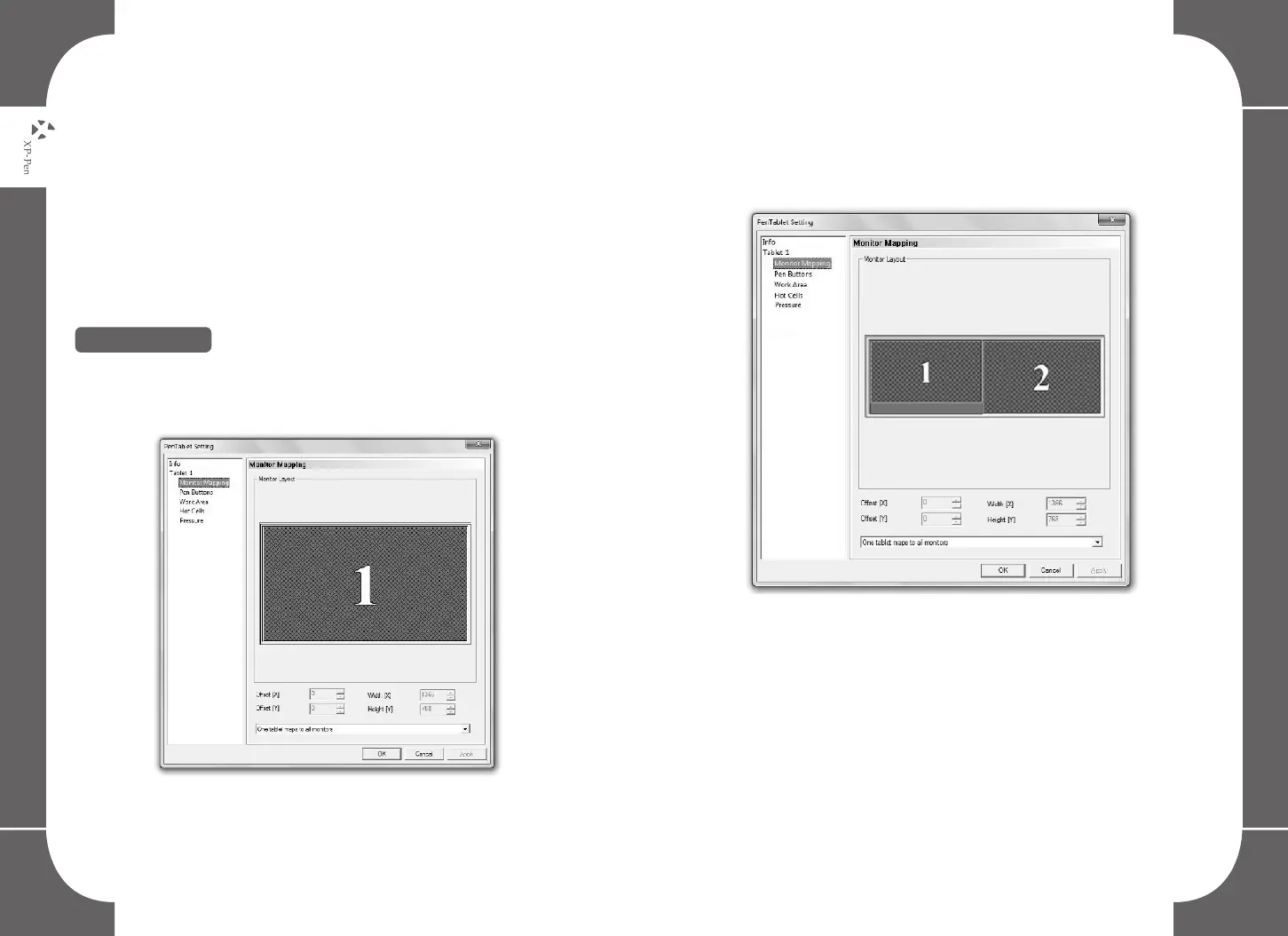
The Monitor mapping option allows you to operate the graphic tablet to
work with single or dual monitors or extended monitors.
Image5-3: Example of a single monitor setup
Image5-4: When the operating computer is connected to 2
monitors, the graphic tablet will automatically detect the dual
monitor setting. You may move your pen horizontally and your
cursor will automatically move to another screen. You can now
freely move the pen’s cursor between screens.
Image5-4: Example of a Dual Monitor setup
16 17



 To Next Page