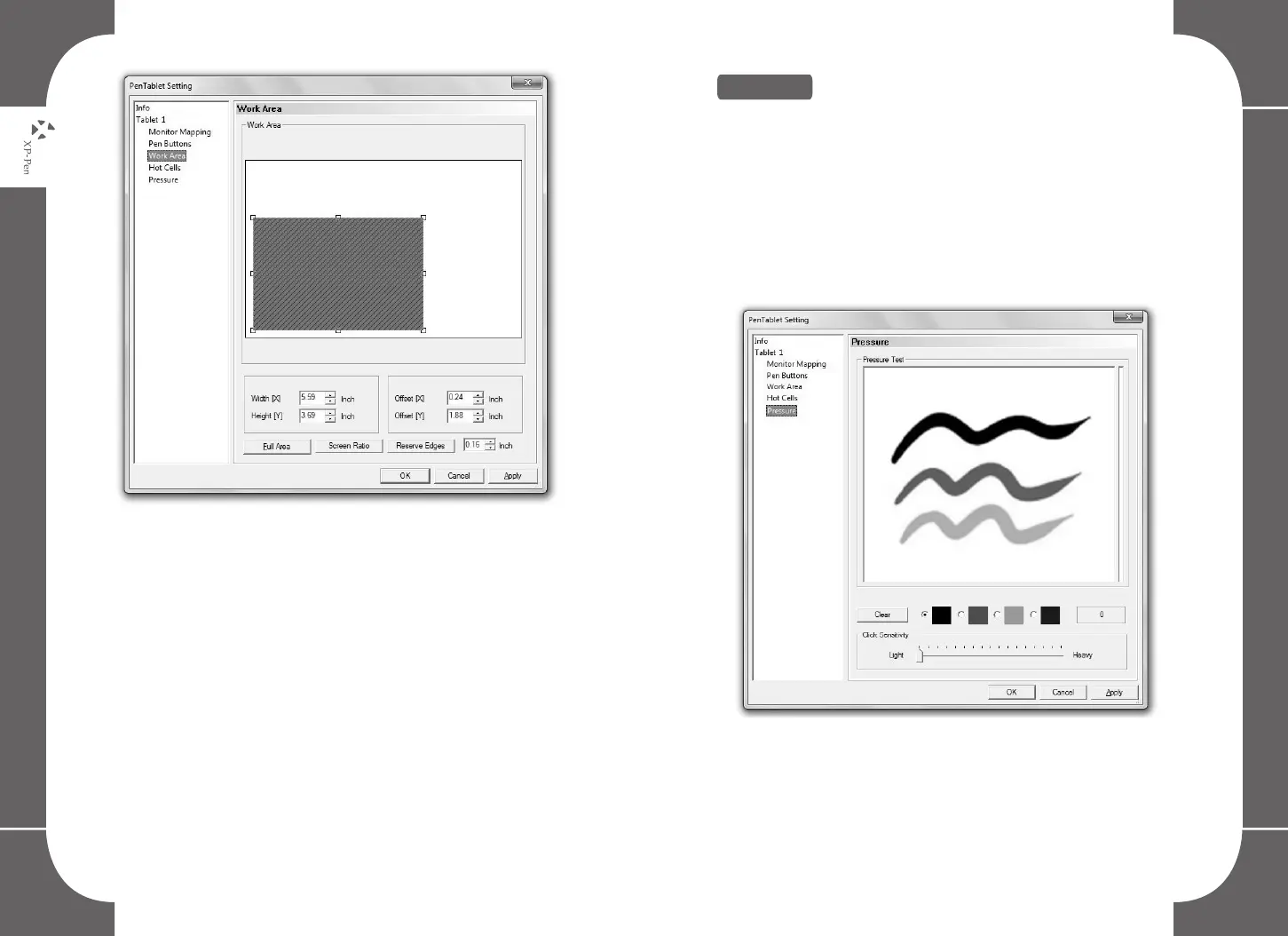
Image5-7: Working Area
22 23
7. Pressure
The pressure tab helps you to get familiar with the pen pressure
functions. While using the digital pen with the pressure function
activated- as you press down with force the graphic tablet will
detect the applied pressure value and send it to the current
application. The Pressure value starts with zero; the maximum
value can vary slightly according to the device used.
Image5-8: The pressure tab



 To Next Page