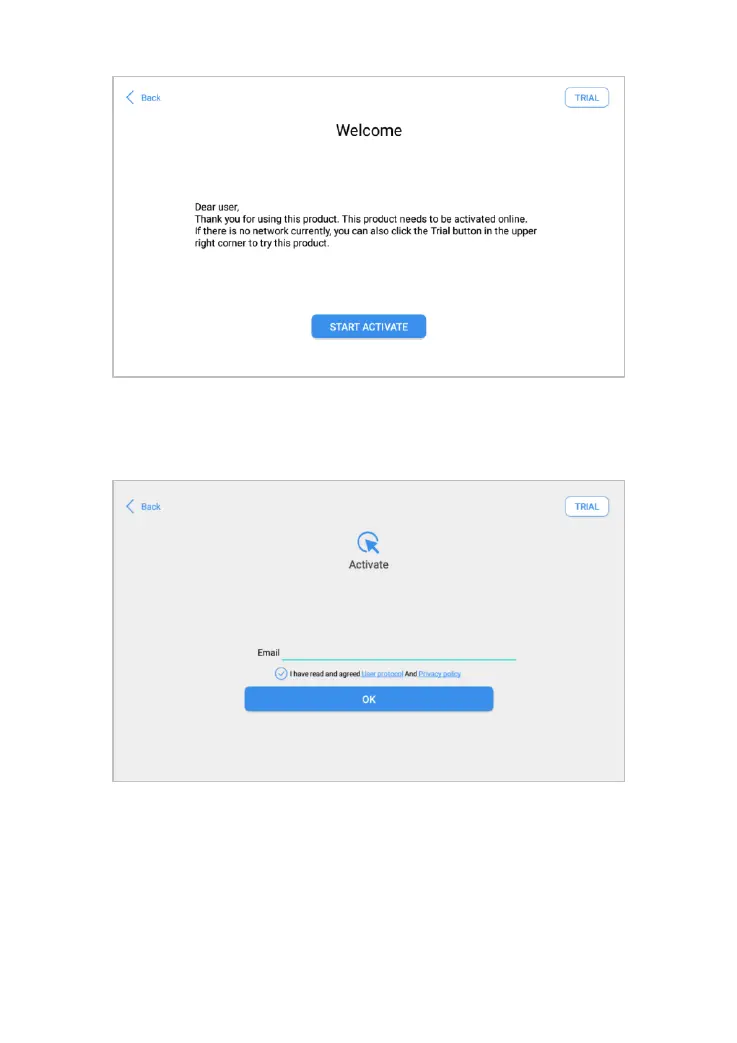
Fig 2-2 Sample of Activation, screen 1
Click Start Activate to enter the activation page, as shown below:
Fig 2-3 Sample of Activation, screen 2
A pop-up window showing Activation Success indicates that you have
completed the first boot setup, click OK to enter the diagnostic system and
start using the device.



 To Next Page