BEGAIN DIAGNOSTIC
After the tablet device is properly connected to the vehicle, you could
start the vehicle diagnosis.
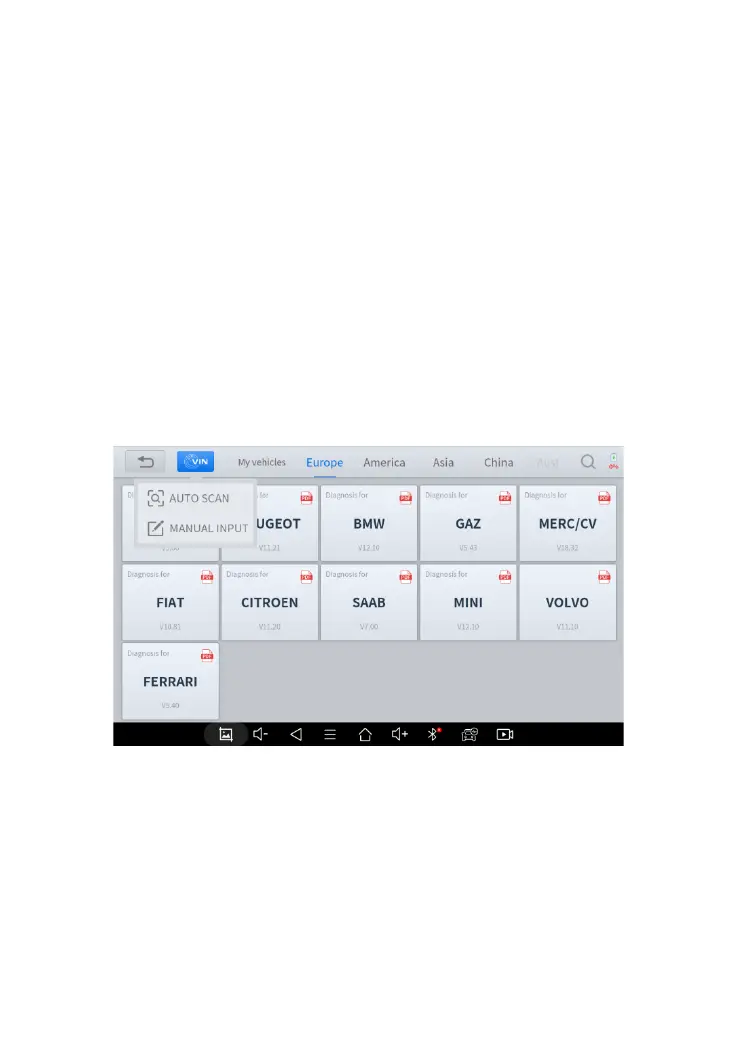
VEHICLE SELECTION
The D7 supports the following 3 ways to access the smart diagnostics
system.
⚫ AUTO SCAN
⚫ MANUAL INPUT
⚫ SELECT VEHICLE BY AREA
Fig 4-2 Sample of Vin Identification
Click the VIN button in the upper left corner, you can choose to enter the
vehicle diagnosis through the first 2 ways of AUTO SCAN/ MANUAL
ENTER.
AUTO SCAN: It supports automatic reading of vehicle VIN code. You
also can tap on the button “AUTO SCAN” on the diagnosis system



 To Next Page