You can view the firmware information here, including the firmware name,
the latest firmware version, the currently used firmware version, and the VCI
firmware type.
The Diagnostic tablet supports automatic firmware update, please make sure that the device
is connected to the network when you enter the diagnostic software and the firmware will be
automatically updated to the latest version.
ABOUT
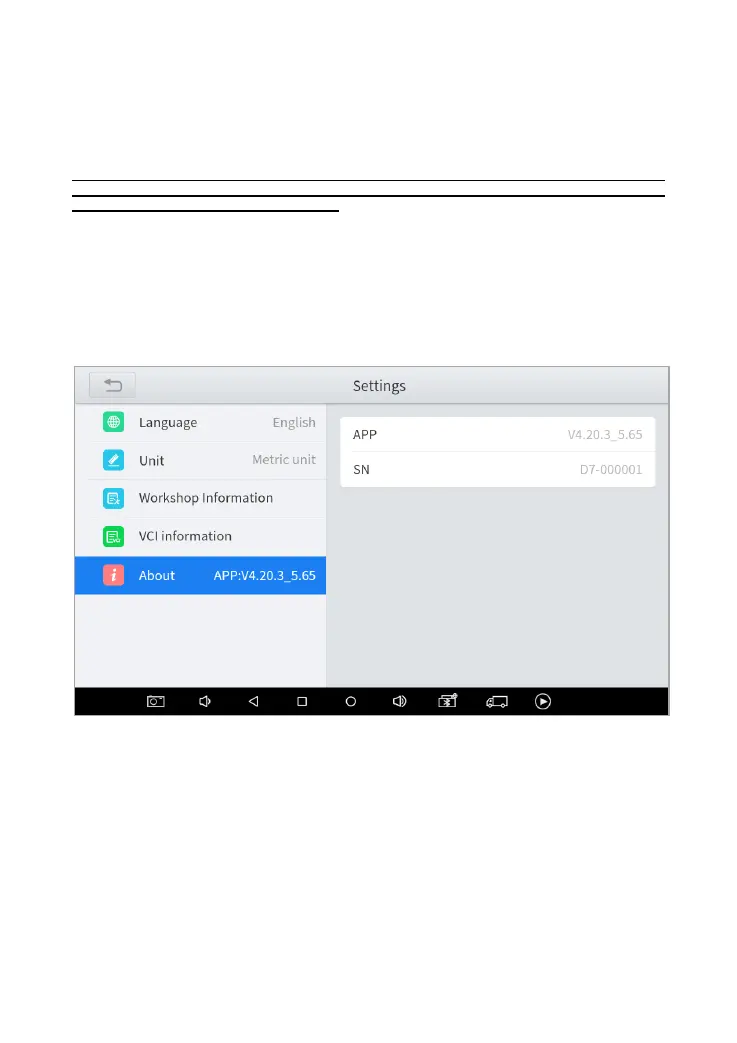
Tap on ABOUT, you can check the serial number and APP version on here.
Fig 6-5 Example of About



 To Next Page