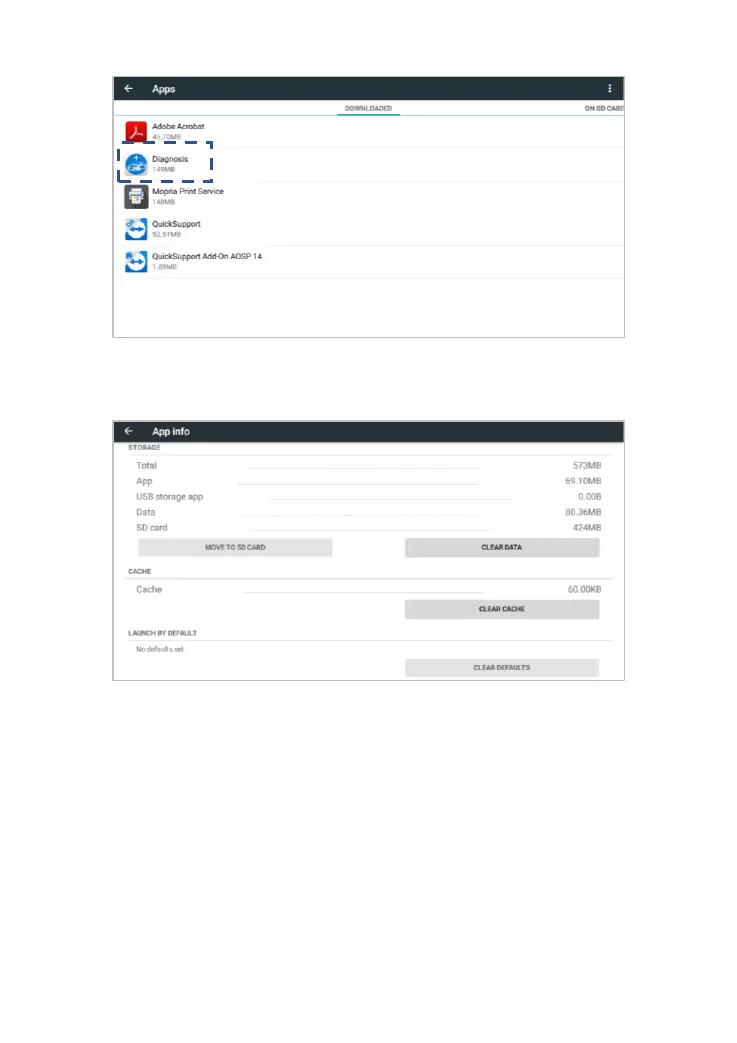
Fig 9-2 Select the diagnostic application
Fig 9-3 click clear cache
Q2: HOW TO PRINT DIAGNOSTIC REPORT
The XTOOL device is compatible with third-party print drivers. You can
download the printer driver you need in the browser that comes with the
tablet to install it, and then set your printer in the OS settings. After the
setting is completed, you can print it in the Report.



 To Next Page