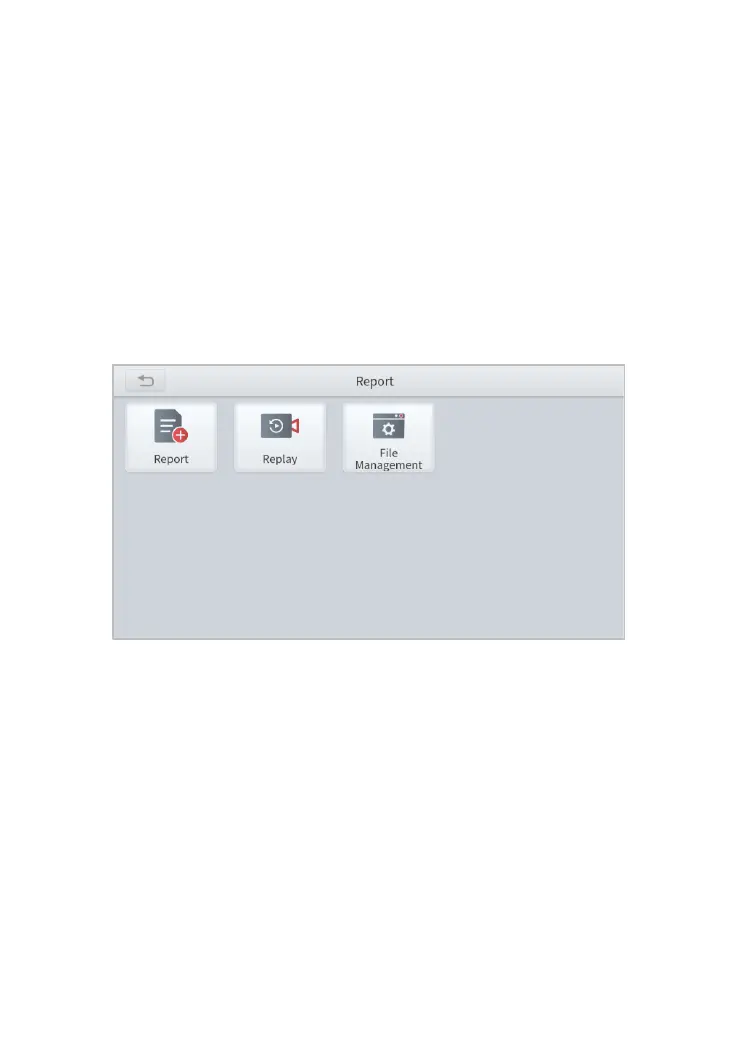
7. REPORT
Diagnostic Report is used for viewing and printing the saved files, such as
Live Data, Trouble codes or pictures generated in the process of Diagnostic,
users also can view a record of which cars have been previously tested. It
includes 3 parts:
⚫ Report
⚫ Replay
⚫ File Management
Fig 7-1 Main page of Report
REPORT
This feature provides a history of diagnostic reports, where you can view
and delete the vehicle's diagnostic reports according to your needs.
When you finish the diagnostics progress, and exit the software of car make,
you will get a prompt of report regeneration.



 To Next Page