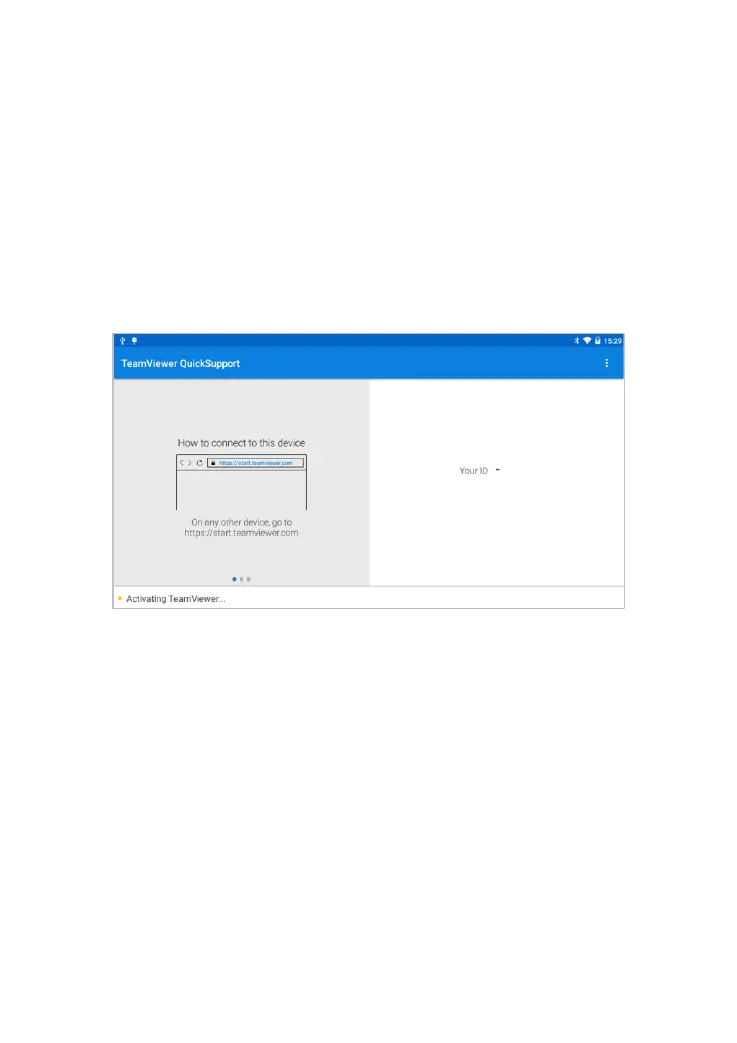
computer at the same time, to provide support and remote control of the
tablet.
4. Provide your ID to the partner or XTOOL technician, and then wait for
him/her to send you a remote-control request.
5. A pop-up window will be displayed, asking you to confirm to allow the
remote-control program to control your device.
6. Click Allow to accept, or click Reject to reject.
Fig 8-1 Sample of Remote



 To Next Page