PC UPDATE
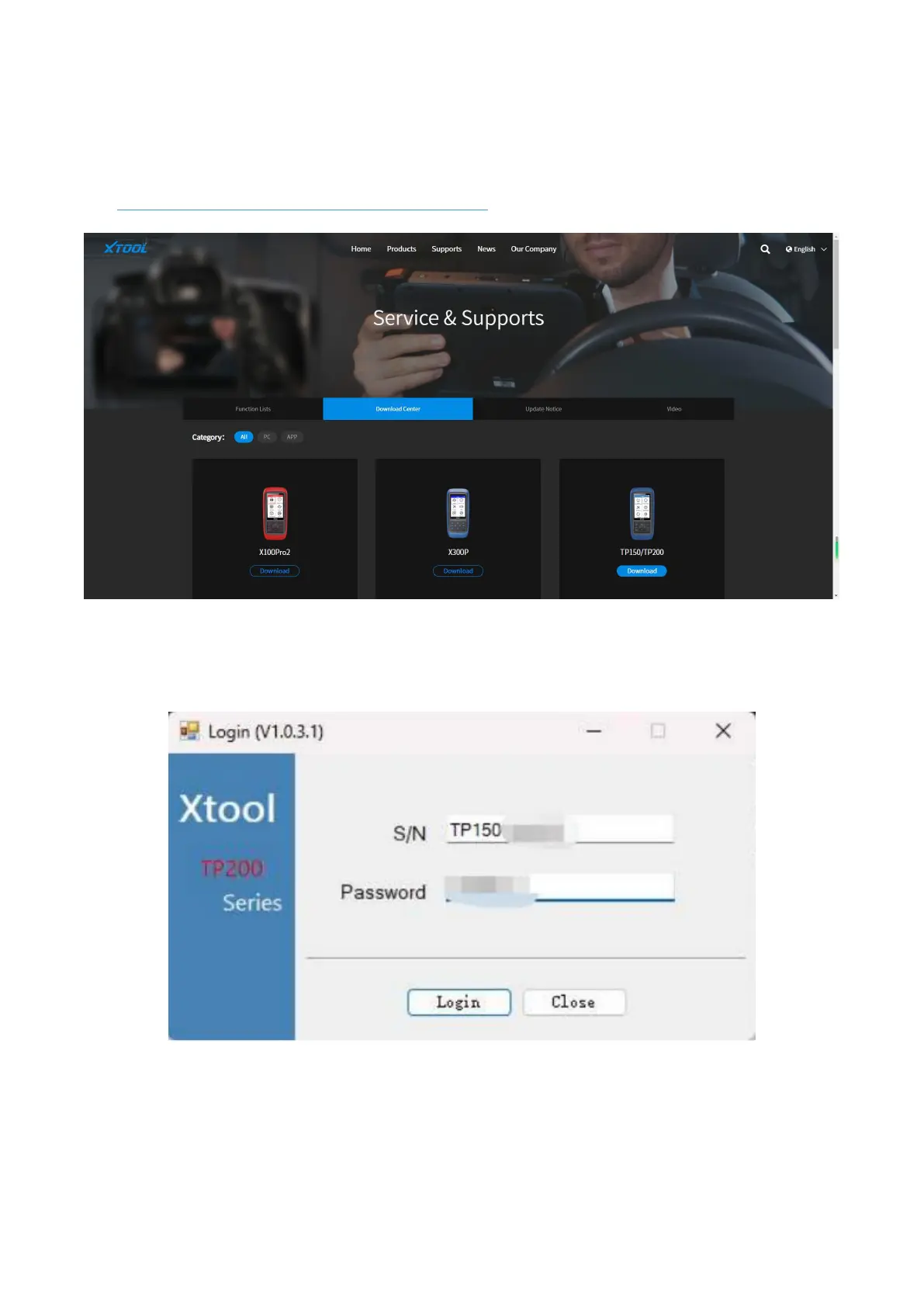
Download “TP200 Installer” on XTooltech official website.
Link: https://down.xtooltech.com/misc/TP200Installer_v1.0.3.0.zip
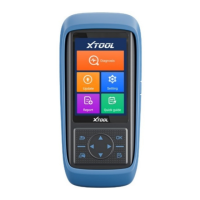
Install TP200 Installer, and connect the tool to the PC.
After installation is done, log in the app by putting in the serial number and password. You can find them in the
qualification certificate, or go to Settings – About and check.
Select the language that you need and make sure the app recognized the correct disk symbol. Click “Upgrade” to do the
updates. Normally this will take around 5 minutes, depending on the network status.


 To Next Page