1. GENERAL INTRODUCTION
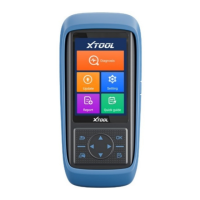
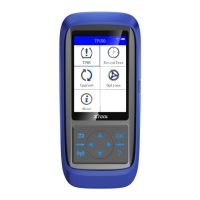
TP-series (TP150/TP200) is a smart TPMS Diagnostic Tool powered by Xtooltech. This product support TPMS DTC code
check & live data for most of the vehicles on the market, 315/433MHz tire-pressure sensor check, read OEM sensor ID
and program it into Xtool universal tire-pressure sensors. This tool can perform such functions:
Check TPMS sensors (read sensor ID / pressure / temperature / battery status)
TPMS diagnostics (DTC check & clear / read sensor ID)
Program Xtool universal tire-pressure sensors
TPMS relearn
Check OEM TPMS sensors
Etc.…
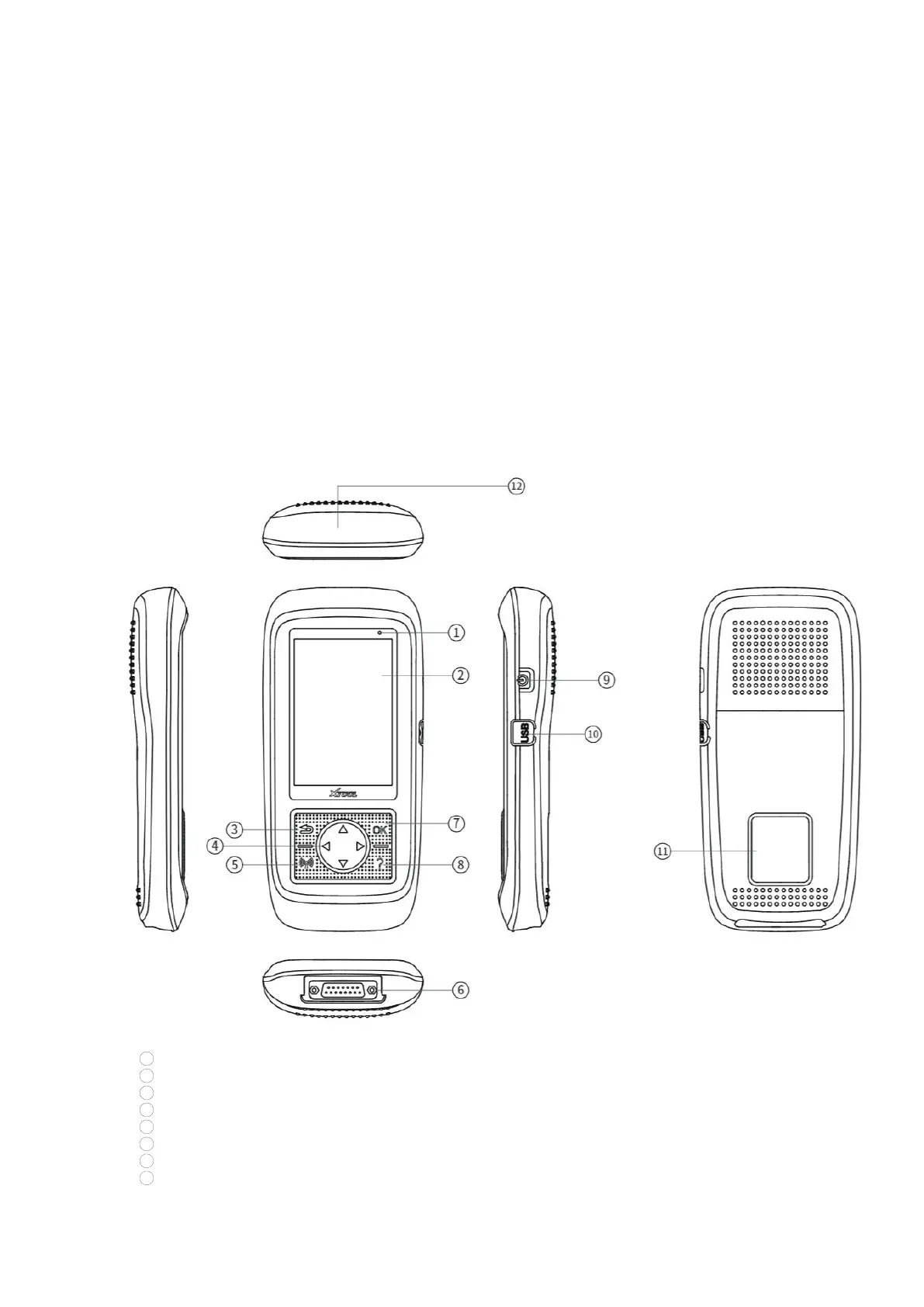
MAIN UNITS
F400
1
Power Indicator: This light will turn red when charging.
2
Screen: Shows contents on the device.
3 Return button: Go back to previous menu or cancel selections.
4
Direction buttons: Use these buttons to choose or select functions.
5 Activate/Program button: When activate/program sensors, click this button to trigger them.
6
DB15 port: Connects to the OBD port for vehicle communications, and also used for charging the device.
7
OK button: Confirm selection and start operations.
8
Help button: Shows detailed information for operations.


 To Next Page