105
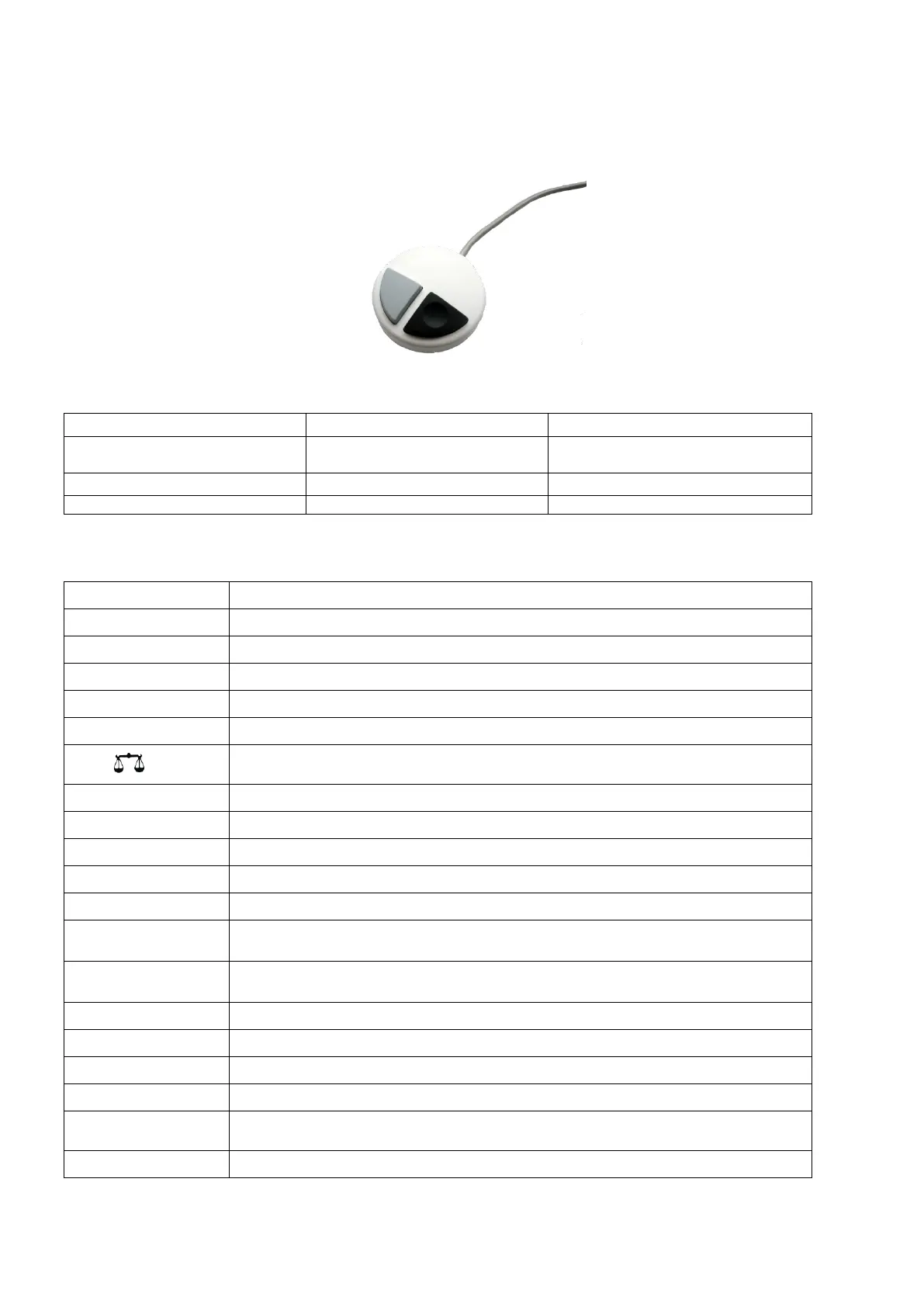
Manual controller 3.3
The manual controller (Fig. 30) is needed for manual titration.
It can also be used for starting dosage or other methods.
Fig. 30
Start of titration, single-step and
continuous titration
Filling
Stop of titration including evaluation
Dosage through Dosage method
External PC Keyboard 3.4
<ESC> will take the user to the previous level on the menu
Start of a selected method
Stop of the current method
Change of the current method, new method, copy method
Fill the interchangeable unit
Display and modification of the balance data.
With <Shift + F5> display and modification of the global memories
Selection of method, rinsing, system settings
System settings (language selection, time/date ...)
Without function on TITRONIC
®
500
Selection of individual menus and numeric values
Confirmation of input parameters
Deletion of one input digit / an input character to the left of the flashing cursor
Alphanumeric input possible, Uppercase and lowercase possible


 To Next Page